
面向设计师与前端开发者的工作流技巧
教程、案例拆解与实用技巧:CSS 提取、用真实网站搭建 Tailwind 组件库、用 MiroMiro Chrome 扩展更快上线。
最新文章

Clone a Website with AI for Free: Methods & Their Limits (2026)
Clone a website with AI free using screenshot-to-code tools, but the results drift. Here are the free methods, their real limits, and a more accurate route.
How to Clone a Website from a URL into Clean Code (2026)
Clone a website from a URL into clean, reusable code. Extract the real HTML, Tailwind, fonts, and spacing a live page renders, no screenshots needed.
How to Clone a Website: Step-by-Step Guide (2026)
How to clone a website the right way: pick what to copy, then follow three step-by-step methods (browser extension, AI from a screenshot, full mirror).
How to Inspect Element on Any Device or Browser (2026 Guide)
Inspect element on any device or browser. Keyboard shortcuts for Mac, Windows, and Chromebook, the truth about phones, plus how to reuse the code you find.
How to Inspect Element on iPhone (2026 Guide)
How to inspect element on iPhone the honest way: connect to a Mac and use Safari Web Inspector, plus no-computer workarounds and how to view page source.
How to Inspect Element on Mac: Shortcut, Safari, Chrome (2026)
How to inspect element on a Mac in every browser: the Cmd+Option+I shortcut, Safari's Develop menu, Chrome, Firefox, and how to actually use the panel.
How to Open Inspect Element (All Methods & Shortcuts)
How to open Inspect Element in any browser: right-click Inspect, the keyboard shortcut (F12 / Ctrl+Shift+I), and the menu. Plus how to enable it if greyed out.
How to Send Figma Designs to Claude Code (2026)
How to send Figma designs to Claude Code so it builds matching UI. Image input drifts, so here are the cleaner ways to hand Claude real design context.
Inspect Element Shortcut: Every Key for Chrome, Mac & Windows
The inspect element shortcut for every browser and OS: F12, Ctrl+Shift+I, Cmd+Option+I, plus the DevTools commands and how to reuse what you find as real code.
How to Clone a Website's Design into Clean, Reusable Code
Cloning a website usually means a lossy AI guess or a messy full scrape. Here's what cloning really means, how to do it without the slop, and the fastest way to turn any live site into clean, reusable HTML and CSS.
How to Design in Cursor: Give the AI Real Design Context (2026)
Want to design in Cursor without generic results? The fix isn't better prompts, it's better input. Feed Cursor real, extracted design context from any website.
How to Copy Code From Any Website: Inspect Element, View Source, or One Click
Copy a website's HTML and CSS three ways: the Ctrl+U view-source shortcut, DevTools 'Copy element' from Inspect, and a one-click export that keeps the styles. Includes what each method misses and when to use which.
Image to Code: The Honest Guide (and the Cleaner Alternative)
Image-to-code with AI sounds magic, but the output is a pixel-level guess. Here's how it actually works, where it fails, and the cleaner way to get real code.
Screenshot to Code in 2026: How Accurate Are v0, Cursor and Claude Really?
Screenshot-to-code in v0, Cursor, Claude and the open-source project all share one ceiling: fonts, spacing and hex values drift because a PNG never contained them. Here's why it happens, what each tool is good for, and the one case where you can skip the guessing entirely.
Best Tools to Export Any Website to Clean Code in 2026 (Honest Comparison)
9 tools that promise to turn a live website into clean React, Tailwind or HTML - ranked honestly. Pricing, output quality, real drawbacks, and which one is worth a one-time payment instead of another monthly bill.
How to Copy a Hero, Pricing, or Navbar Section into Cursor (2026)
Copy a hero, pricing, or navbar section into Cursor as clean Tailwind HTML. Hover, click, paste, and turn any live website into a real component fast.
What Design Tool Exports Clean HTML and CSS? (2026 Honest Guide)
Figma, Sketch, Adobe XD - their HTML/CSS exports are notoriously bloated. Here's the real way to get clean, production-ready code in 2026, plus an honest comparison of every tool that claims to do it.
How to Copy Any UI Component from Any Website into Cursor, Claude & v0 (2026)
Copy any UI component into Cursor, Claude & v0 as clean Tailwind HTML, straight from any live website. No DevTools, no screenshots, no manual rewriting.
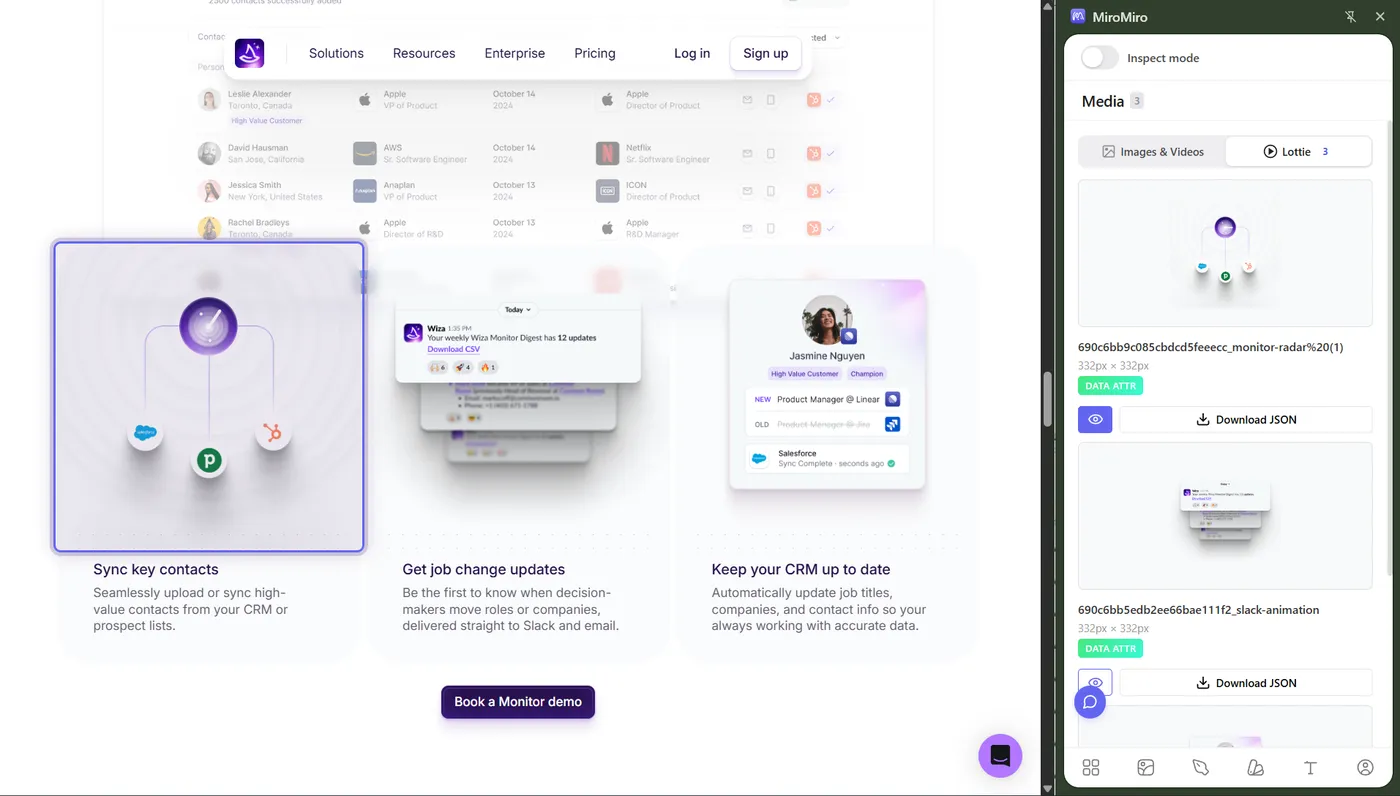
Free Lottie Animations: 5 Best Sites + How to Extract From Any Website
The 5 free Lottie libraries actually worth your time - LottieFiles, Lordicon, IconScout, useAnimations, Lottielab - plus the one-click way to grab any Lottie you see on a real site.
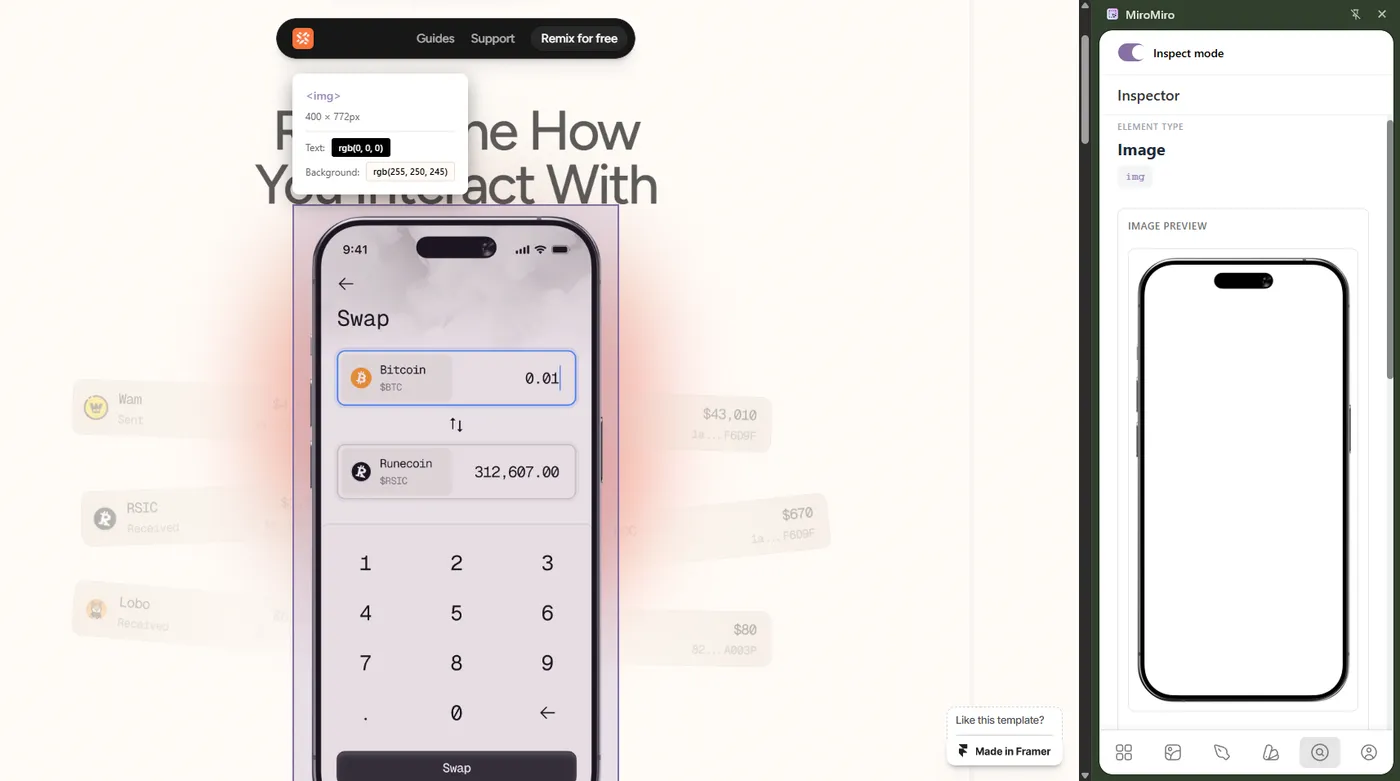
Design Tokens Export Tools: Extract from Any Website to Figma & Code (2026)
The best tool to extract design tokens from any website - colors, typography, spacing, shadows. Export as CSS variables, Tailwind config or Figma variables in one click. Free, no DevTools.
如何从任意网站下载 Lottie 动画(免费、一键完成)
几秒钟从任意网站提取 Lottie JSON 文件。无需写代码、无需 DevTools - 安装扩展,点击下载即可。附完整图文教程。
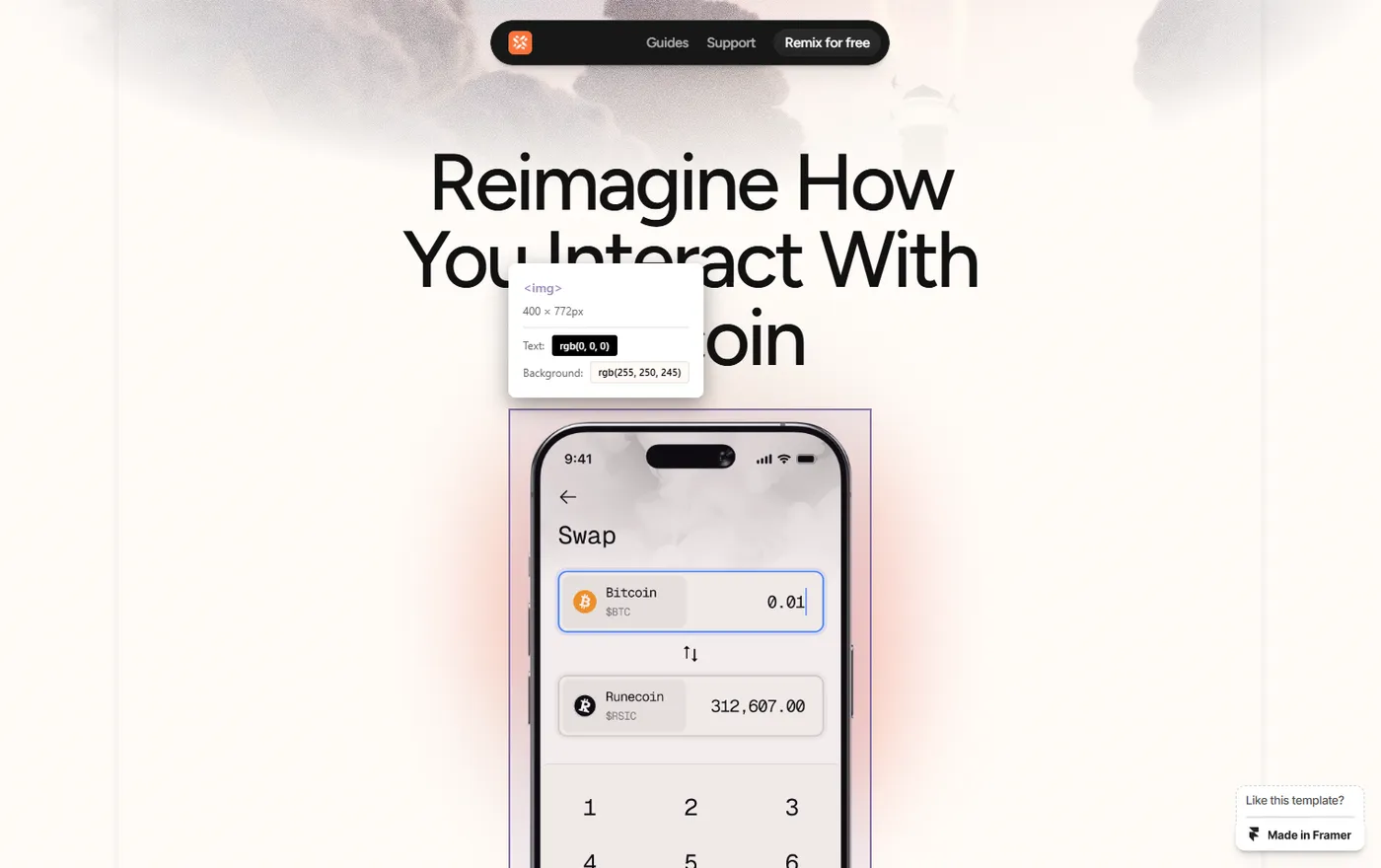
How to Easily Extract Images from Framer Templates (2026 Guide)
Extract images from Framer templates fast: grab high-quality mockups, photos, illustrations, and assets from any Framer site without the DevTools struggle.