
デザイナーとフロントエンド開発者のためのワークフロー術
CSSの抽出、実サイトからのTailwindライブラリ構築、MiroMiro Chrome拡張を活用した高速な実装。実践的なチュートリアルとTipsをお届けします。
最新記事

Clone a Website with AI for Free: Methods & Their Limits (2026)
Clone a website with AI free using screenshot-to-code tools, but the results drift. Here are the free methods, their real limits, and a more accurate route.
How to Clone a Website from a URL into Clean Code (2026)
Clone a website from a URL into clean, reusable code. Extract the real HTML, Tailwind, fonts, and spacing a live page renders, no screenshots needed.
How to Clone a Website: Step-by-Step Guide (2026)
How to clone a website the right way: pick what to copy, then follow three step-by-step methods (browser extension, AI from a screenshot, full mirror).
How to Inspect Element on Any Device or Browser (2026 Guide)
Inspect element on any device or browser. Keyboard shortcuts for Mac, Windows, and Chromebook, the truth about phones, plus how to reuse the code you find.
How to Inspect Element on iPhone (2026 Guide)
How to inspect element on iPhone the honest way: connect to a Mac and use Safari Web Inspector, plus no-computer workarounds and how to view page source.
How to Inspect Element on Mac: Shortcut, Safari, Chrome (2026)
How to inspect element on a Mac in every browser: the Cmd+Option+I shortcut, Safari's Develop menu, Chrome, Firefox, and how to actually use the panel.
How to Open Inspect Element (All Methods & Shortcuts)
How to open Inspect Element in any browser: right-click Inspect, the keyboard shortcut (F12 / Ctrl+Shift+I), and the menu. Plus how to enable it if greyed out.
How to Send Figma Designs to Claude Code (2026)
How to send Figma designs to Claude Code so it builds matching UI. Image input drifts, so here are the cleaner ways to hand Claude real design context.
Inspect Element Shortcut: Every Key for Chrome, Mac & Windows
The inspect element shortcut for every browser and OS: F12, Ctrl+Shift+I, Cmd+Option+I, plus the DevTools commands and how to reuse what you find as real code.
How to Clone a Website's Design into Clean, Reusable Code
Cloning a website usually means a lossy AI guess or a messy full scrape. Here's what cloning really means, how to do it without the slop, and the fastest way to turn any live site into clean, reusable HTML and CSS.
How to Design in Cursor: Give the AI Real Design Context (2026)
Want to design in Cursor without generic results? The fix isn't better prompts, it's better input. Feed Cursor real, extracted design context from any website.
How to Copy Code From Any Website: Inspect Element, View Source, or One Click
Copy a website's HTML and CSS three ways: the Ctrl+U view-source shortcut, DevTools 'Copy element' from Inspect, and a one-click export that keeps the styles. Includes what each method misses and when to use which.
Image to Code: The Honest Guide (and the Cleaner Alternative)
Image-to-code with AI sounds magic, but the output is a pixel-level guess. Here's how it actually works, where it fails, and the cleaner way to get real code.
Screenshot to Code in 2026: How Accurate Are v0, Cursor and Claude Really?
Screenshot-to-code in v0, Cursor, Claude and the open-source project all share one ceiling: fonts, spacing and hex values drift because a PNG never contained them. Here's why it happens, what each tool is good for, and the one case where you can skip the guessing entirely.
Best Tools to Export Any Website to Clean Code in 2026 (Honest Comparison)
ライブWebサイトをクリーンなReact、Tailwind、HTMLに変換すると謳う9つのツールを正直に比較。価格、出力品質、実際の欠点、そしてサブスクではなく買い切りで済ませる価値があるのはどれかを解説。
How to Copy a Hero, Pricing, or Navbar Section into Cursor (2026)
ホバー、クリック、貼り付け。ライブサイトからヒーロー、料金表、ナビバーをクリーンなTailwind HTMLとしてCursorにコピーし、60秒以内に実際のコンポーネントにする最速の方法。
What Design Tool Exports Clean HTML and CSS? (2026 Honest Guide)
FigmaやSketch、Adobe XDのHTML/CSSエクスポートは煩雑で使い物になりません。2026年時点で本当にクリーンなコードを得る方法と、コード出力をうたう各ツールの正直な比較ガイド。
How to Copy Any UI Component from Any Website into Cursor, Claude & v0 (2026)
ライブWebサイトからUIコンポーネントを取得し、Cursor、Claude、Lovable、Bolt、v0にそのまま貼り付ける最速の方法。クリーンなTailwind HTMLとして。DevTools不要、書き直し不要。
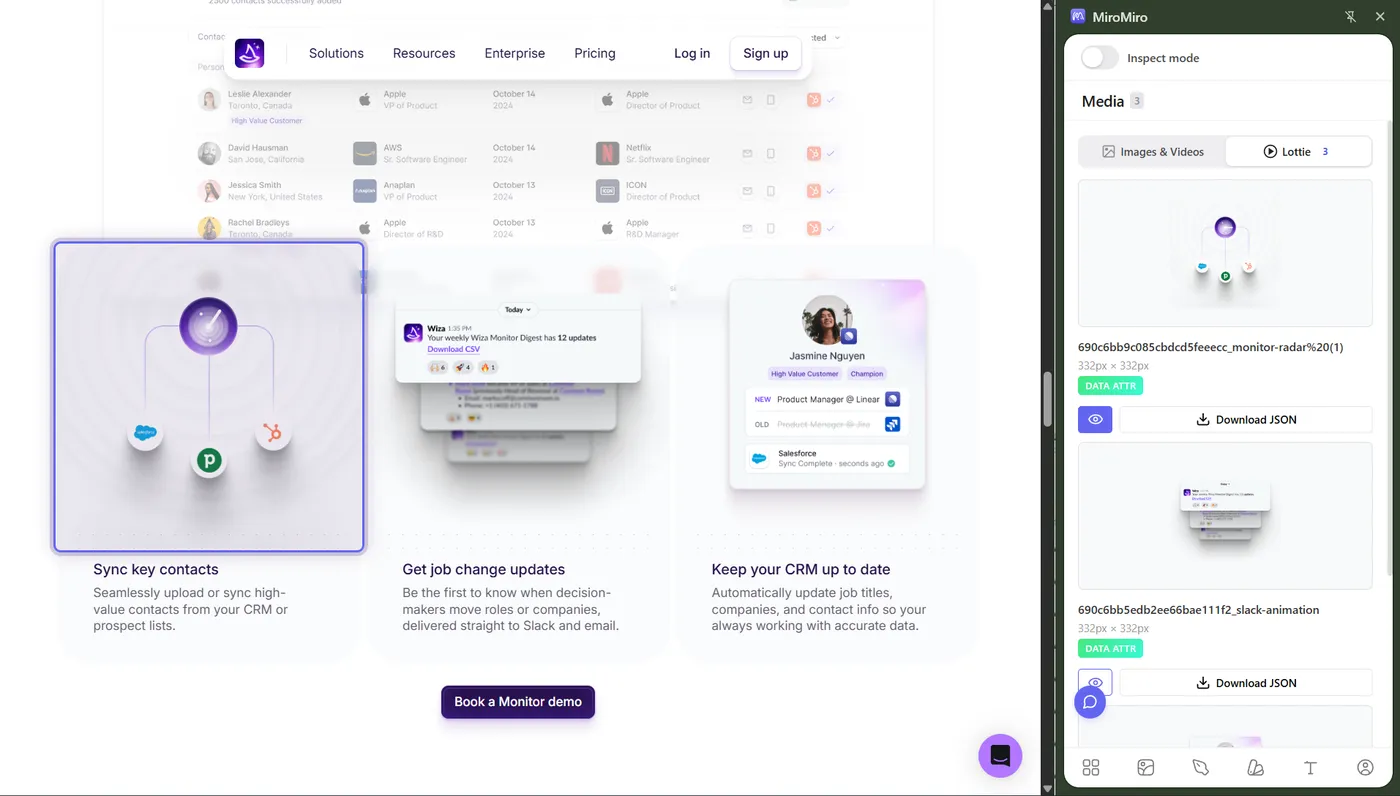
Free Lottie Animations: 5 Best Sites + How to Extract From Any Website
プロジェクトで使える無料Lottieアニメーションを見つけよう。厳選されたLottieライブラリのリストと、あらゆるWebサイトからアニメーションを抽出する方法を紹介。
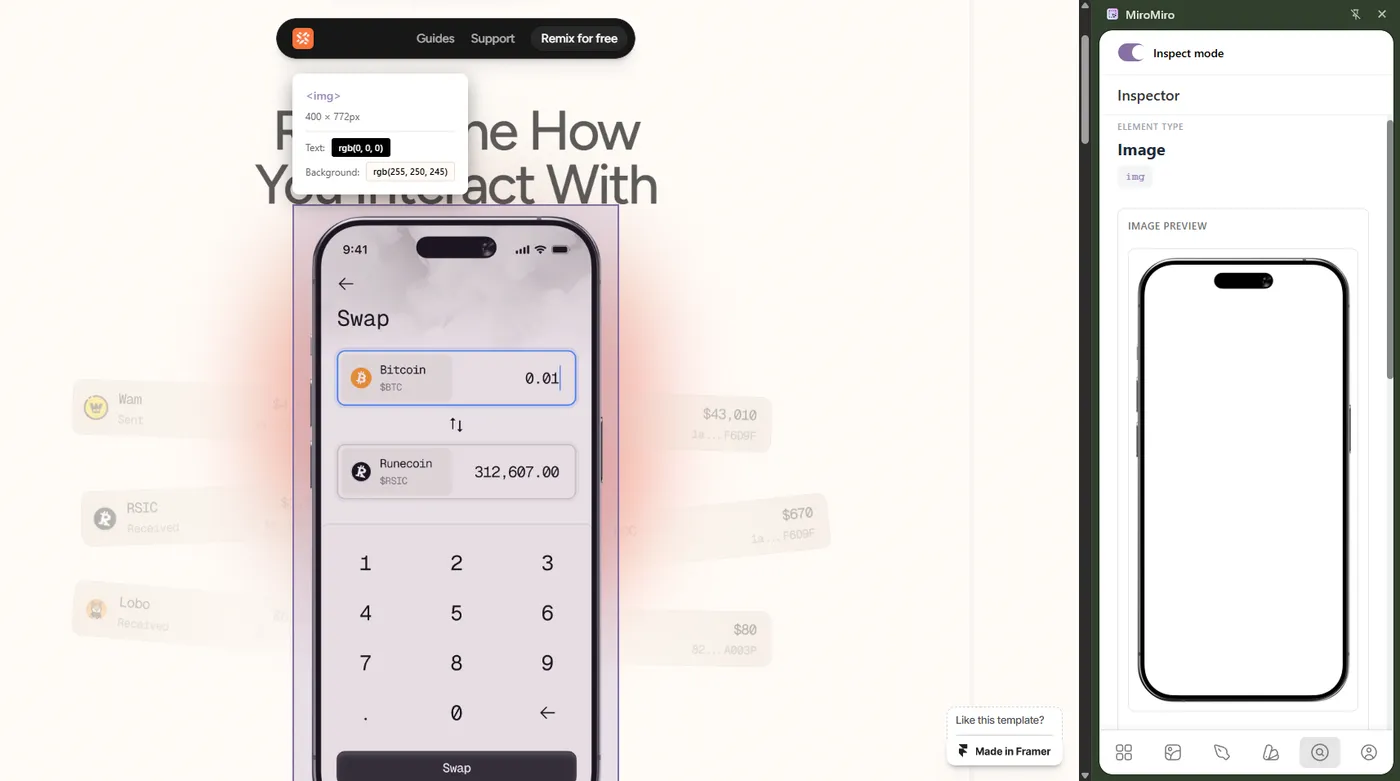
Design Tokens Export Tools: Extract from Any Website to Figma & Code (2026)
あらゆるWebサイトからデザイントークンを抽出する最適なツール - カラー、タイポグラフィ、スペーシング、シャドウ。CSS変数、Tailwind設定、Figma変数としてワンクリックでエクスポート。無料、DevTools不要。
Webサイトから Lottie アニメーションをダウンロードする方法(無料・ワンクリック)
Webサイト上のLottie JSONファイルを数秒で抽出。コードもDevToolsも不要 - 拡張機能をインストールしてクリックするだけ。手順を画像つきで解説します。
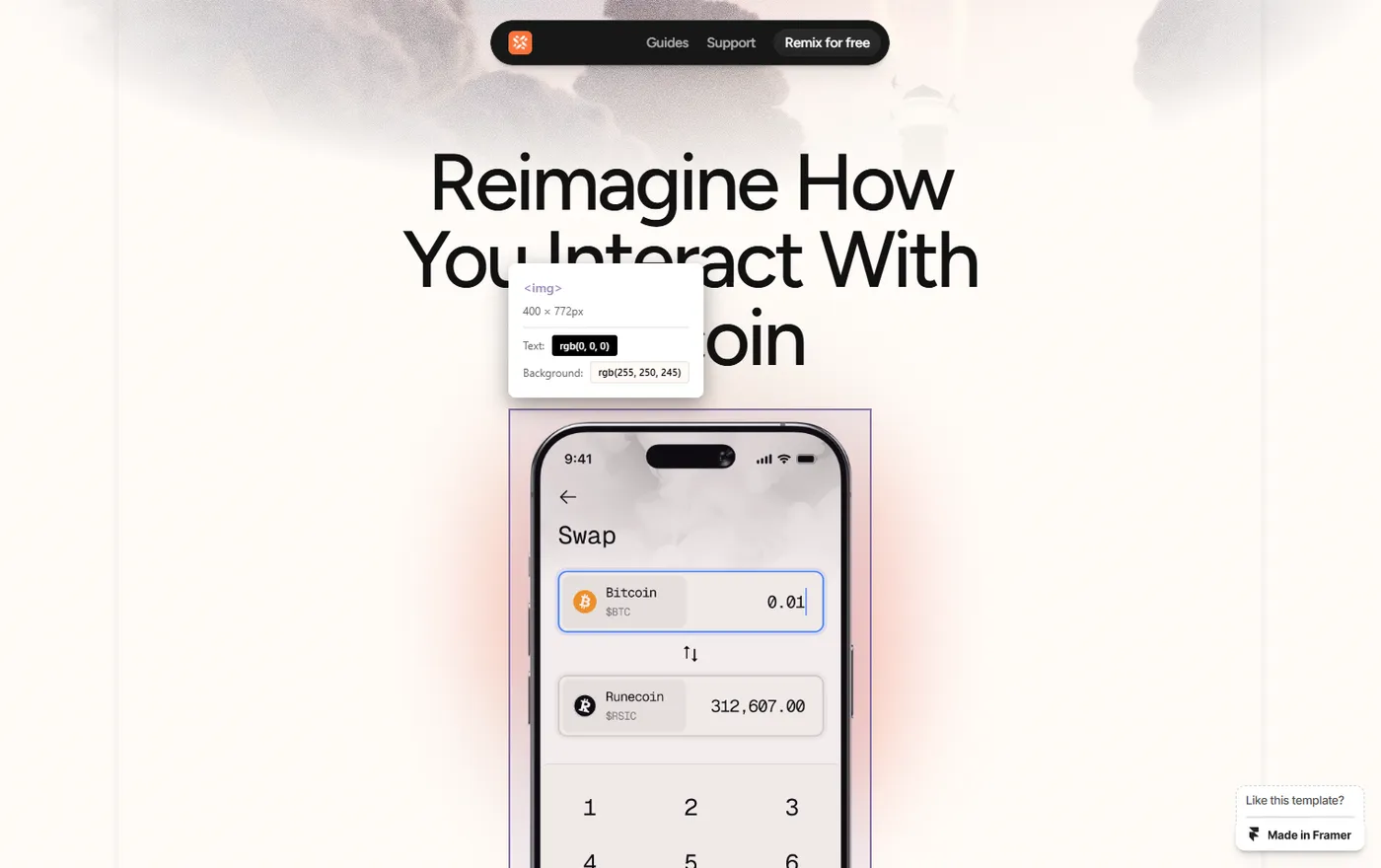
How to Easily Extract Images from Framer Templates (2026 Guide)
DevToolsと格闘するのはもう終わり。Framerテンプレートやあらゆるサイトから高品質な画像、モックアップ、アセットを素早く抽出する方法を解説。デザイン参考資料の収集に最適。