
もう作り直さない、スクリーンショットから。
本物のコードをそのまま貼り付け: Cursor
あらゆるWebサイトを、コピペできるコード・カラー・フォント・アセットに。気に入ったものは、ワンクリックで自分のものに。
20,000+
developers & designers
5.0
Rated 5.0 on Chrome Web Store & Product Hunt
The design you see is the code you get
Export to code
Turn any element into code
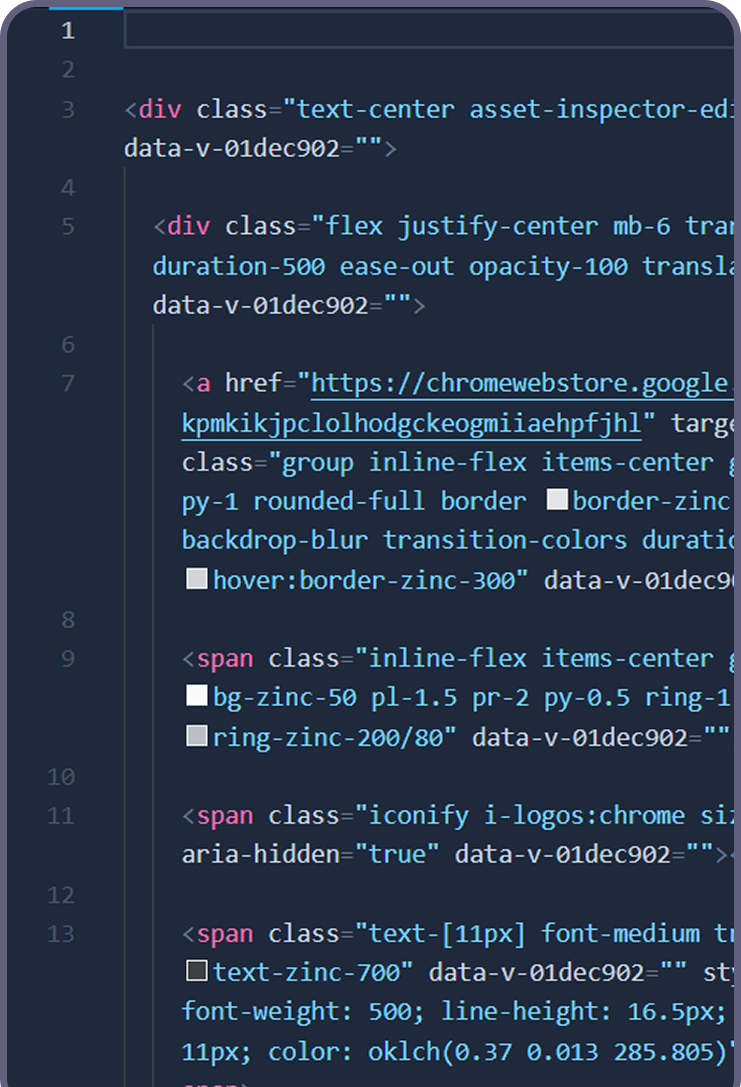
Select a single element, a section or the whole page and export clean Tailwind, a React or Vue component, or plain HTML + CSS. The output reads like code you would have written yourself, with sensible structure and none of the wrapper soup.
- ✓ One element, one section or the whole page
- ✓ Tailwind, React, Vue or HTML + CSS - your choice
- ✓ Clean context for Cursor, Claude and v0
Whole pages too: the design to code tool turns any live website into clean code.
Design system extractor
Extract the whole design system
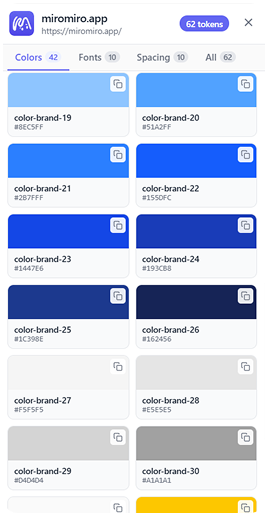
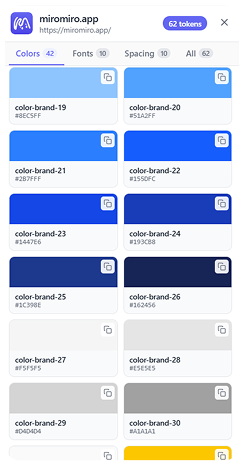
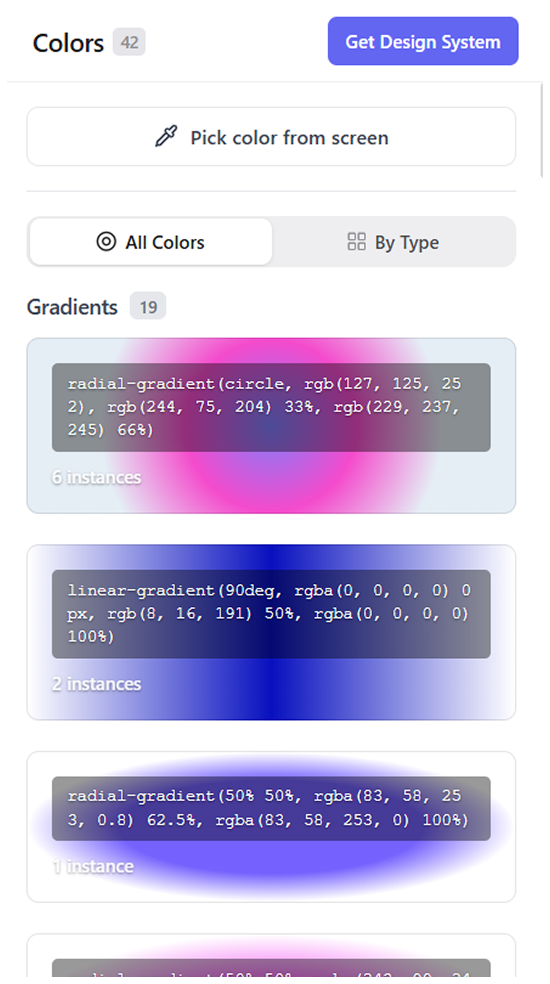
Pull every color, gradient, font, shadow and spacing token from any site in one pass - exported as CSS variables or a ready-to-paste Tailwind config.
- ✓ Colors, gradients, typography & shadows in one pass
- ✓ Export as CSS variables or a Tailwind config
- ✓ Drop the tokens straight into Cursor, v0 or your codebase
Building a pipeline or an agent? The same engine is a REST API.
Device preview
Preview on 25 real devices
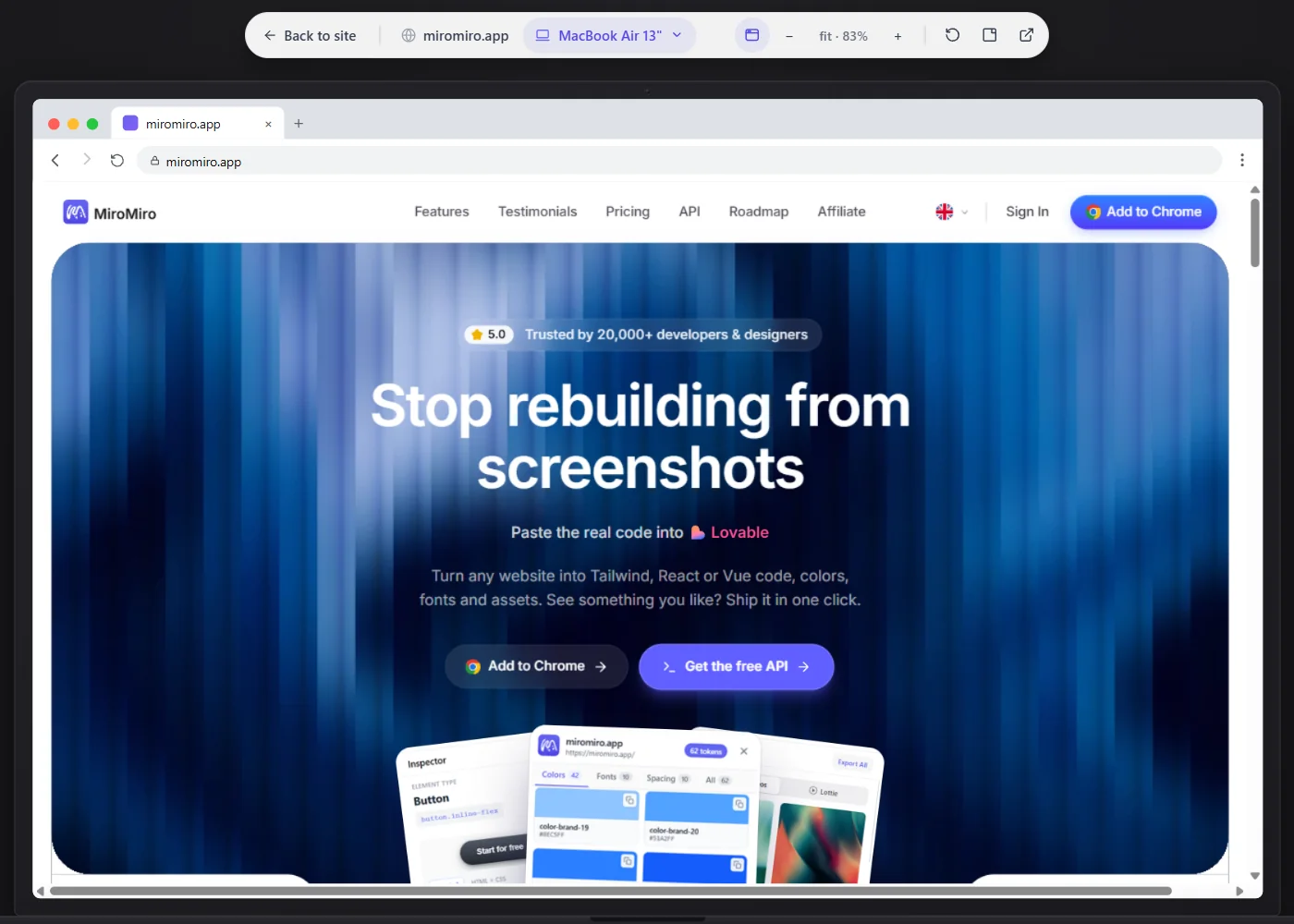
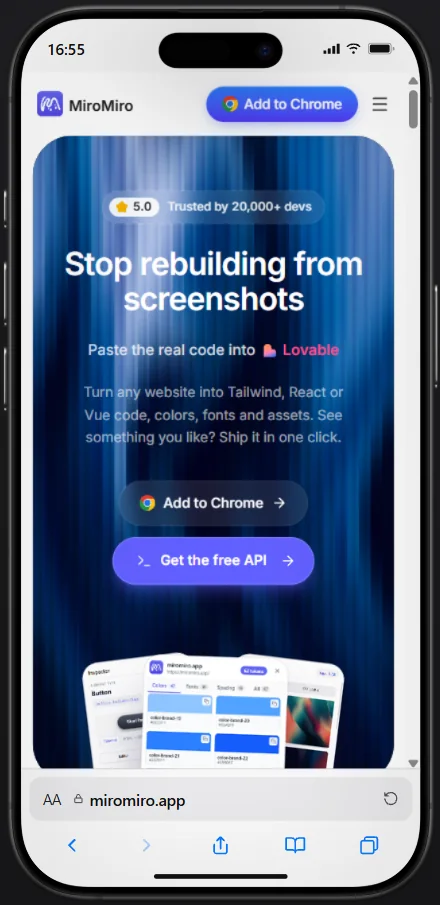
Open any page, or the component you just exported, inside a real device frame. Jump from iPhone SE to iMac in one click, zoom in and catch the layout break before it lands in your project.
- ✓ 25 frames: iPhone, Pixel, Galaxy, iPad, MacBook and iMac
- ✓ Free-form responsive width for everything in between
- ✓ Preview the live site or your exported code, then copy it
- ✓ Zoom, replay and download the frame as an image
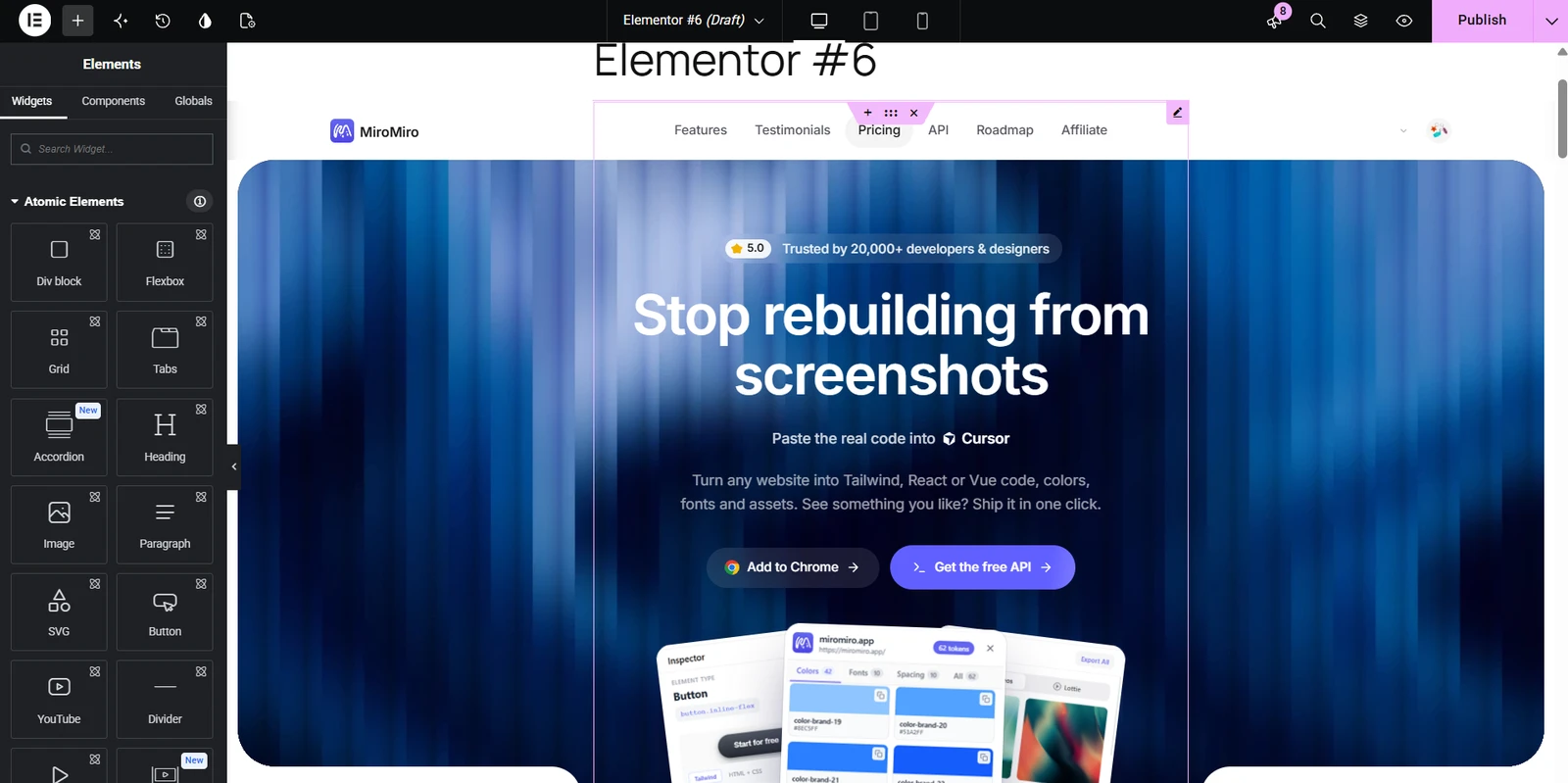
Export to Elementor
Turn any website into an Elementor template
Pick a section or the whole page and download it as an Elementor template. Import it into WordPress and it looks like the original, on desktop and on phones.
- ✓ One section or the whole page, as an importable template
- ✓ Import under Templates, then insert it on any page
- ✓ Keeps the layout, fonts, colors and images
- ✓ Works with the free Elementor plugin
The template imports as one HTML block, so the page looks right straight away. Edit its text and links inside that block.
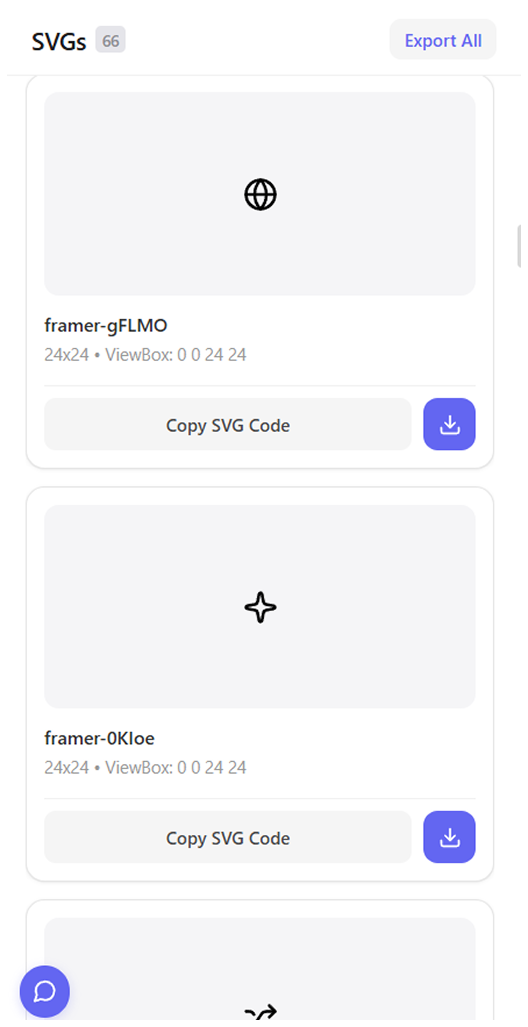
Asset extractor
Extract every image & video
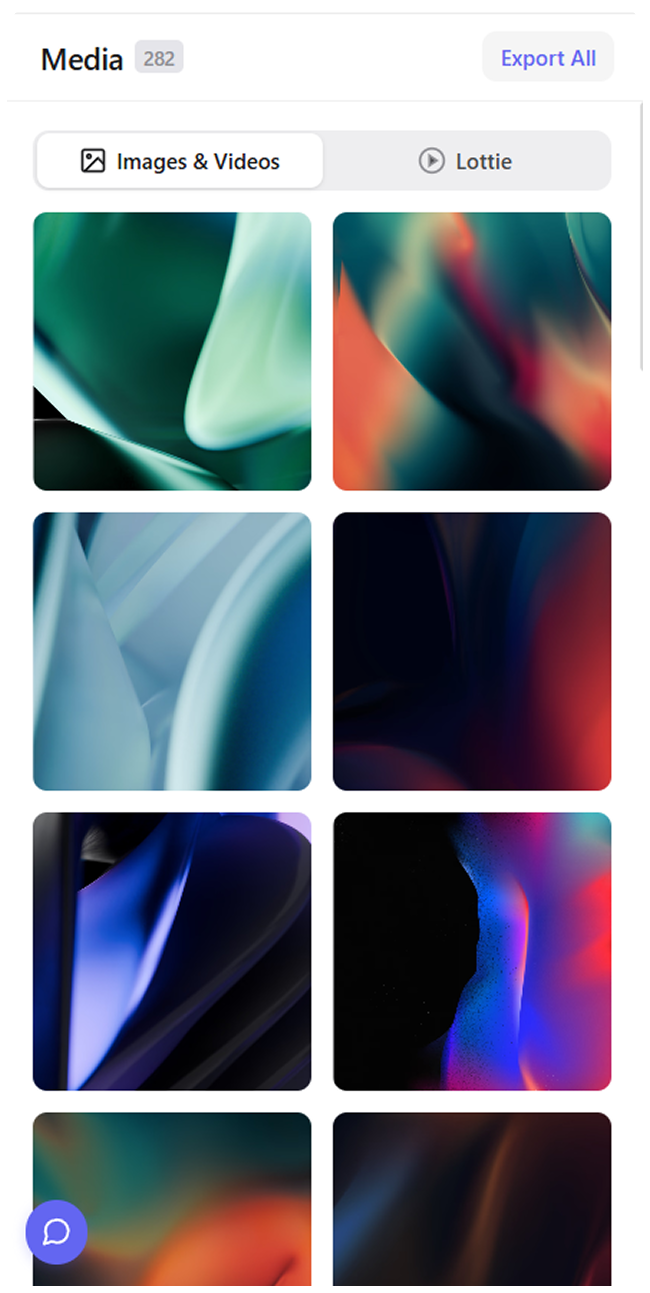
Find every image, video and SVG on the page, even ones buried in CSS, and save them in original quality.
Explore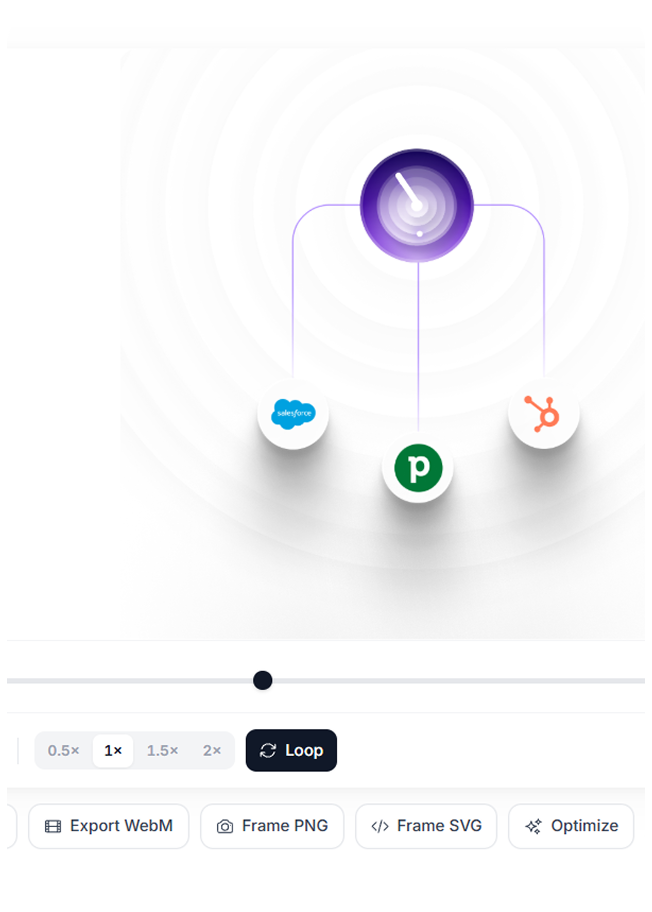
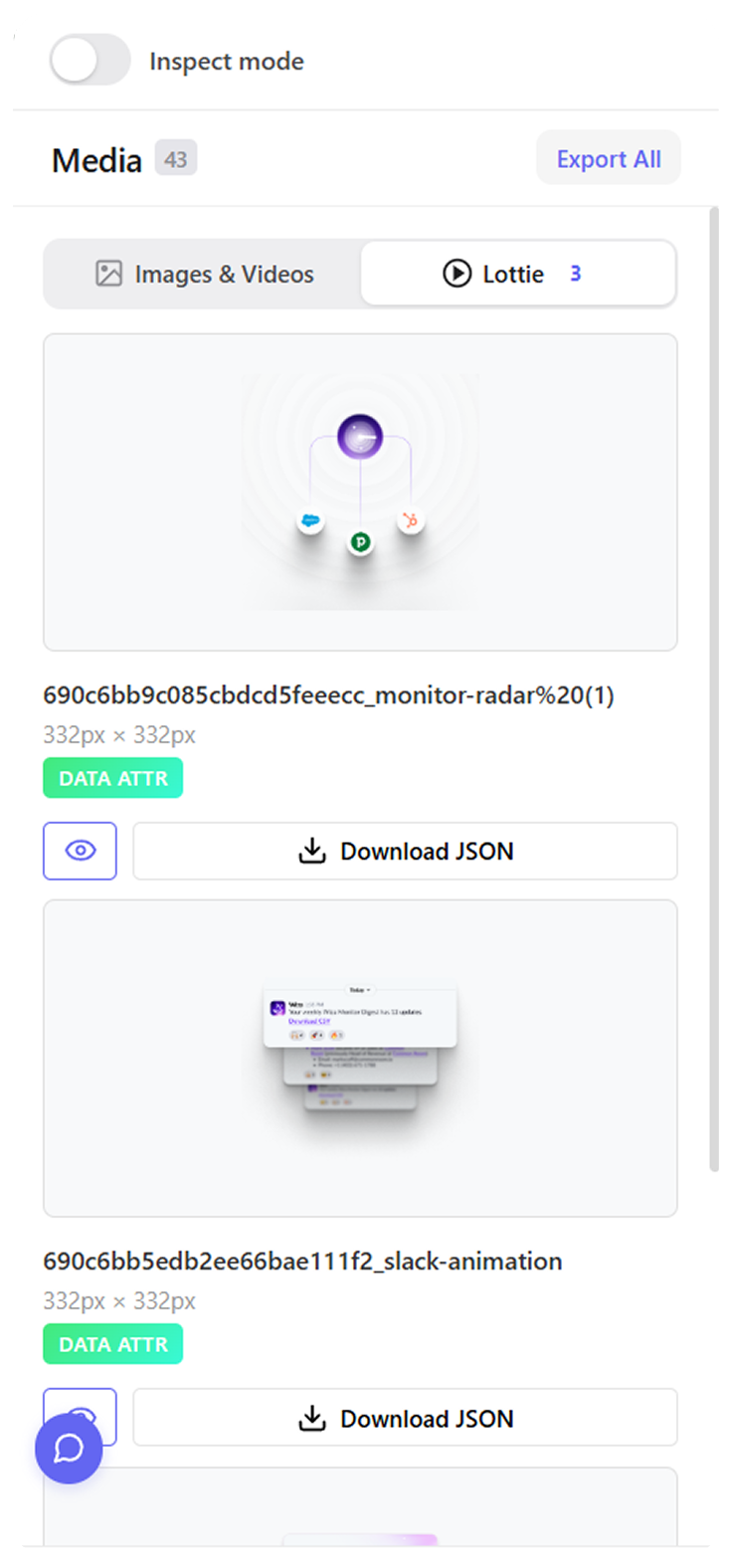
Lottie downloader
Download Lottie animations
Spot, preview and save every Lottie on a page, JSON intact and ready for your project.
Explore
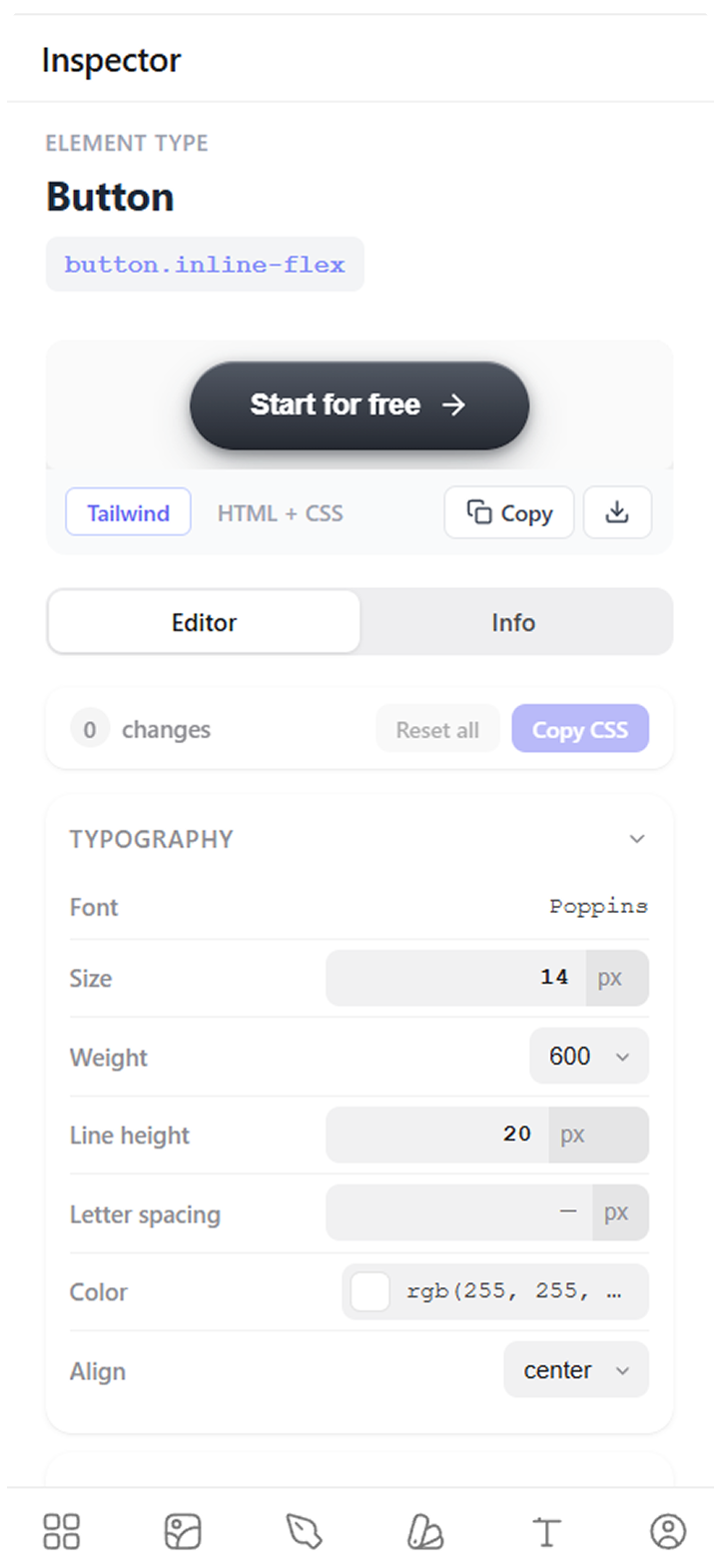
Live inspector
Edit styles live on the page
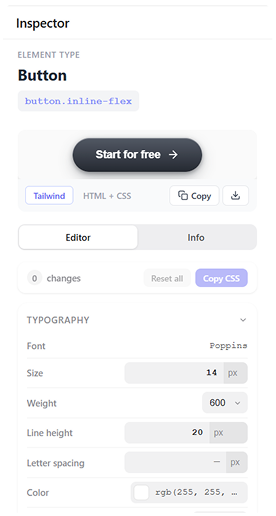
Hover any element to see its styles, tweak values on the live page, and copy the exact CSS or Tailwind.
ExploreWhy developers keep it pinned
“It saves a ton of time when inspecting websites. No more digging through devtools to find colors, fonts, spacing, assets, etc. Everything is just there instantly.”
Naivaidya Yadav
Frontend Developer“This product is super cool, nifty, and thoughtfully designed. It’s visually tasteful while also being seamless in its absorption into my workflow…”

Lake Cam
Product Hunt review“If you’ve been frustrated with the inability of AI to give you truly usable web page code (and we ALL are!), then you are going to love this… This feature alone is worth MANY times the price of this product.”
Verified buyer
AppSumo review“Full page screenshots are just not great. So I tried this with high hopes on one of my pages and it extracted the FULL HTML file with screenshots. Absolutely amazing.”
Zac H.
AppSumo review“Really impressed by MiroMiro. The product feels thoughtfully designed, polished, and focused on solving a real problem instead of adding unnecessary complexity.”

Miguel Parente
ArtMathCodePay once, ship forever
Start free. Upgrade when it earns its keep.
Free
Try everything for 3 days. Inspecting and downloads stay free.
€0forever
First 3 days: every Pro feature
Always free
- Inspect CSS, fonts & colors
- Live style editing
- Download images & SVGs
After the 3-day trial
- Copy CSS & Tailwind
- Code & design token exports
- Lottie exports
Lifetime
Limited to 125 spotsAll of Pro, paid once. No renewals, ever.
€69one-time
€49
€69 now
€89
€149
Code
- Copy CSS, Tailwind & colors
- Export to HTML, Tailwind, React, Vue
Design & assets
- Unlimited design tokens
- Unlimited SVG & Lottie exports
- Unlimited contrast checks
- Preview on 25 real devices
Plan
- Pay once, never billed again
- Every future update
- 5 GB library storage
- Priority VIP support
Monthly
Full Pro, billed monthly. For when you're not sure yet.
€9/month
Cancel anytime, keep what you saved.
Code
- Copy CSS, Tailwind & colors
- Export to HTML, Tailwind, React, Vue
Design & assets
- Unlimited design tokens
- Unlimited SVG & Lottie exports
- Unlimited contrast checks
- Preview on 25 real devices
Plan
- New features while subscribed
- 5 GB library storage
- Priority support
Available for
Your AI agent can use MiroMiro too
REST API + MCP server
Real code for your assistant, not screenshots
The same extraction engine, as a REST API and a hosted MCP server. Give Claude, Cursor, ChatGPT or Codex a URL and it gets the real component code, design tokens and brand colors from that live site, so it builds from the actual CSS instead of guessing from an image.
- ✓ Full page or one section as Tailwind, React, Vue or HTML + CSS
- ✓ Design tokens, brand colors, fonts and assets from any public URL
- ✓ Works in Claude, Cursor, ChatGPT, Codex and any MCP client
Free tier: 300 credits a month, no card. Works keyless in demo mode.
you Rebuild linear.app's pricing section in our stack
agent calling extract_code(url: "linear.app", section: "pricing")
✓ Tailwind component + the tokens it uses, from the real CSS
3日間は無料です。Proのすべての機能がアンロックされ、クレジットカード不要。3日間の無料トライアルが終了したら、続けて使うにはプランを選択してください。Lifetime Proは一度きりの支払いで、月額や年額の更新はありません。
はい。MiroMiroには開発者向けAPIとホスト型MCPサーバーもあります。https://miromiro.app/mcp をClaude、Cursor、ChatGPT、Codexにコネクタとして追加すると、AIアシスタントがライブサイトからコンポーネントコード、デザイントークン、ブランドカラー、フォント、アセットを自力で抽出できます。キーなしのデモモードでも動作し、miromiro.app/api の無料APIキーでフルアクセスになります。
MiroMiroはほぼすべての公開Webサイトで動作します。React、Next.js、Vue、WordPress、Webflow、Framerで構築されたサイトにも対応。セキュリティポリシーが厳しいサイトでは一部制限がある場合があります。
MiroMiroをインストールし、Lottieアニメーションが使われているサイトを開いて、Lottieアイコンをクリック。ページに読み込まれた全アニメーションが自動検出されます。プレビューしてLottie JSONまたはdotLottieとしてダウンロード可能。lottie-web、lottie-react、lottie-ios、LottieFilesプレーヤーで動作。DevToolsもネットワークタブも不要です。
はい。ヒーロー、ナビバー、料金カードなどのセクションをクリックすると、MiroMiroがクリーンなHTMLとTailwindクラスとしてエクスポート。値はスクリーンショットの推測ではなく、レンダリングされたDOMから取得するため、カラー・スペーシング・タイポグラフィ・シャドウまでピクセルレベルで正確。Cursor、Claude、v0にそのまま貼り付けて、書き直しなしで利用できます。
学習やインスピレーション、参考のためにCSS、カラー、レイアウトパターンを抽出するのは一般的な慣行です。MiroMiroは「ソースを表示」と同様に、サイトの構造を学ぶためのツールです。商用利用の際は著作権にご注意ください。
DevToolsは生のコードを表示します。MiroMiroはクリーンですぐに使える出力を提供します。セクション全体を本番用コードとしてコピー、アセットを一括ダウンロード、デザインシステム全体をTailwind設定として抽出。DOMを掘り下げる必要はありません。
MiroMiroの利用を続けるにはプランを選択していただきます。3日間のトライアル後は有料です。データは失われません。保存したライブラリと抽出したアセットはそのまま残ります。Lifetime Pro(一度きりの支払い)またはStarter/Proサブスクリプションへワンクリックでアップグレードできます。
MiroMiroはブラウザ内で完全に動作します。抽出したアセットやライブラリデータはお使いのマシンに保存されます。プラン管理のための匿名利用カウントのみ保存します。それ以外は何も保存しません。
プロフィールページからいつでも解約可能です。請求期間の終了までアクセスは継続します。ご満足いただけない場合は、14日以内にご連絡いただければ全額返金いたします。
はい、まさにそのために作られました。MiroMiroはコンポーネントをクリーンでセマンティックなTailwind HTMLとしてエクスポートするので、Cursor、Claude、Lovable、Bolt、v0、ChatGPTにそのまま貼り付けられます。AIツールは実際のクラス名と値を持つ本物のコードを読むため、スクリーンショットから推測するのではなく、リファクタリング、適応、構成を行います。
Stop rebuilding. Start shipping.
Join 20,000+ developers who copy designs instead of reverse-engineering them.
Install in Chrome