
Workflow tactics for designers and frontend devs.
Tutorials, tear-downs and tips on extracting CSS, building Tailwind libraries from real sites, and shipping faster with the MiroMiro Chrome extension.
Latest articles

How to Move a Webflow or Framer Site to WordPress with Elementor (2026)
Moving a Webflow or Framer site to WordPress? What transfers, what doesn't, and a page-by-page way to rebuild the design in Elementor without starting from a blank canvas.
Best AI Website Cloners in 2026 (Free & Paid, Compared)
The best AI website cloners and free website cloner tools of 2026, compared: same.new, v0, Lovable, Anima, Alloy, HTTrack and more, with current pricing and real drawbacks.
How to Clone a Website from a URL: Step-by-Step (2026)
How to clone or copy a website from its URL: decide what to copy, then follow three step-by-step methods - extract the real code, AI from a screenshot, or a full mirror.
How to Inspect Element on iPhone (2026 Guide)
How to inspect element on iPhone the honest way: connect to a Mac and use Safari Web Inspector, plus no-computer workarounds and how to view page source.
How to Inspect Element on Mac: Shortcut, Safari, Chrome (2026)
How to inspect element on a Mac in every browser: the Cmd+Option+I shortcut, Safari's Develop menu, Chrome, Firefox, and how to actually use the panel.
How to Send Figma Designs to Claude Code (2026)
How to send Figma designs to Claude Code so it builds matching UI. Image input drifts, so here are the cleaner ways to hand Claude real design context.
How to Inspect Element: Shortcuts for Every Browser & Device (2026)
How to inspect element in Chrome, Safari, Firefox, Edge, Brave and Opera: F12, Ctrl+Shift+I, Cmd+Option+I, Chromebook and phones, plus fixes when it's greyed out.
How to Design in Cursor: Give the AI Real Design Context (2026)
Want to design in Cursor without generic results? The fix isn't better prompts, it's better input. Feed Cursor real, extracted design context from any website.
How to Copy Code From Any Website: Inspect Element, View Source, or One Click
Copy a website's HTML and CSS three ways: the Ctrl+U view-source shortcut, DevTools 'Copy element' from Inspect, and a one-click export that keeps the styles. Includes what each method misses and when to use which.
Image to Code: The Honest Guide (and the Cleaner Alternative)
Image-to-code with AI sounds magic, but the output is a pixel-level guess. Here's how it actually works, where it fails, and the cleaner way to get real code.
Screenshot to Code in 2026: How Accurate Are v0, Cursor and Claude Really?
Screenshot-to-code in v0, Cursor, Claude and the open-source project all share one ceiling: fonts, spacing and hex values drift because a PNG never contained them. Here's why it happens, what each tool is good for, and the one case where you can skip the guessing entirely.
Best Website Copier and Figma-to-HTML Tools for Clean Code (2026)
13 tools that copy a live website or a Figma file into HTML, Tailwind or React, compared on output quality, cleanup time and current pricing. Which one to use for a real site, a mockup, or a prompt.
How to Copy a Hero, Pricing, or Navbar Section into Cursor (2026)
Copy a hero, pricing, or navbar section into Cursor as clean Tailwind HTML. Hover, click, paste, and turn any live website into a real component fast.
How to Copy Any UI Component from Any Website into Cursor, Claude & v0 (2026)
Copy any UI component into Cursor, Claude & v0 as clean Tailwind HTML, straight from any live website. No DevTools, no screenshots, no manual rewriting.
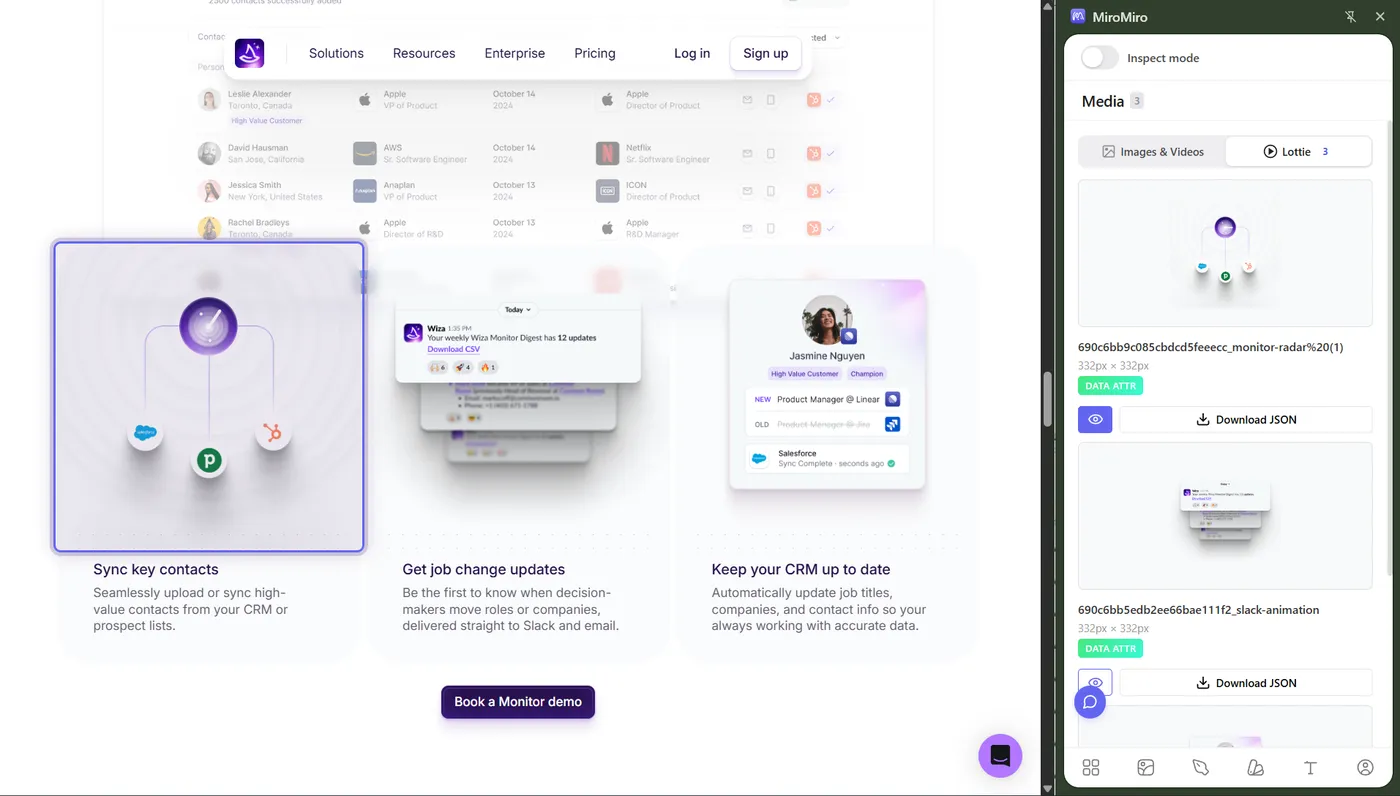
Free Lottie Animations: 5 Best Sites + How to Extract From Any Website
The 5 free Lottie libraries actually worth your time - LottieFiles, Lordicon, IconScout, useAnimations, Lottielab - plus the one-click way to grab any Lottie you see on a real site.
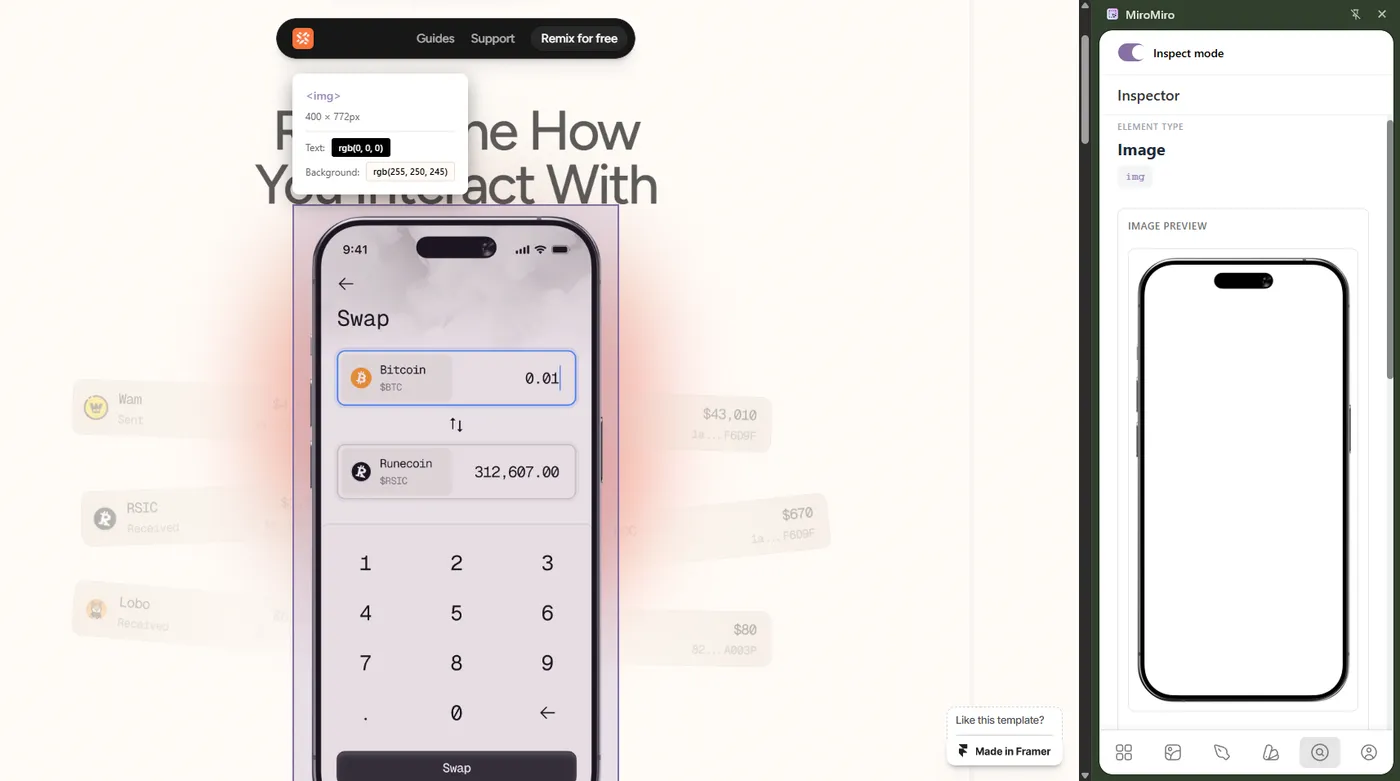
Design Tokens Export Tools: Extract from Any Website to Figma & Code (2026)
The best tool to extract design tokens from any website - colors, typography, spacing, shadows. Export as CSS variables, Tailwind config or Figma variables in one click. Free 3-day trial, no DevTools.
Download Lottie from Any Website in 1 Click
Save Lottie JSON from any live site in seconds - no code, no DevTools. See exactly how with a Chrome extension, plus a free tool to preview what you grab.
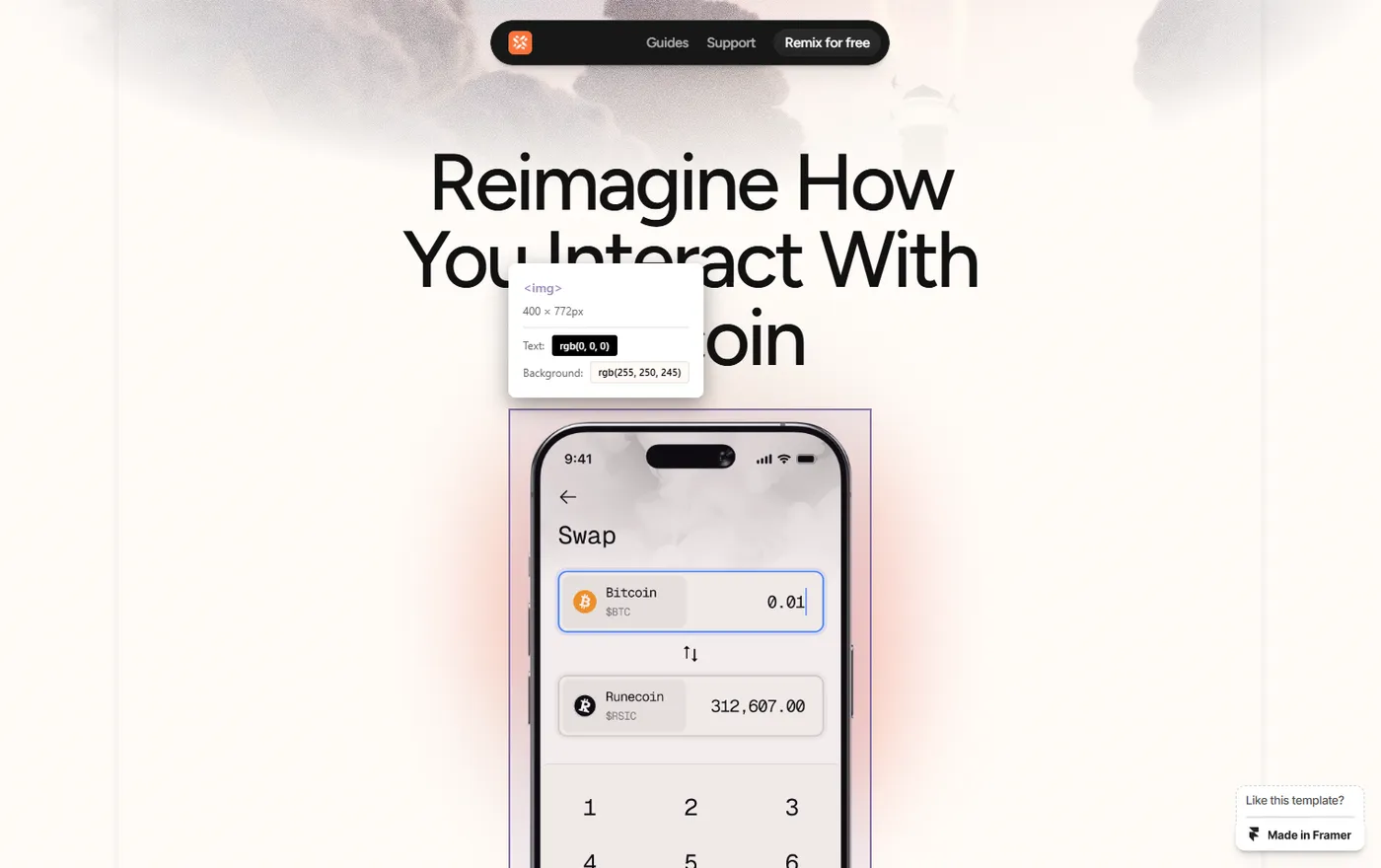
How to Easily Extract Images from Framer Templates (2026 Guide)
Extract images from Framer templates fast: grab high-quality mockups, photos, illustrations, and assets from any Framer site without the DevTools struggle.
Ready to speed up your workflow?
Join 20,000+ designers and developers who save hours every week with MiroMiro.