
Stop rebuilding from screenshots
Paste the real code into Cursor
Turn any website into Tailwind, React or Vue code, colors, fonts and assets. See something you like? Ship it in one click.
The design you see is the code you get
Export to code
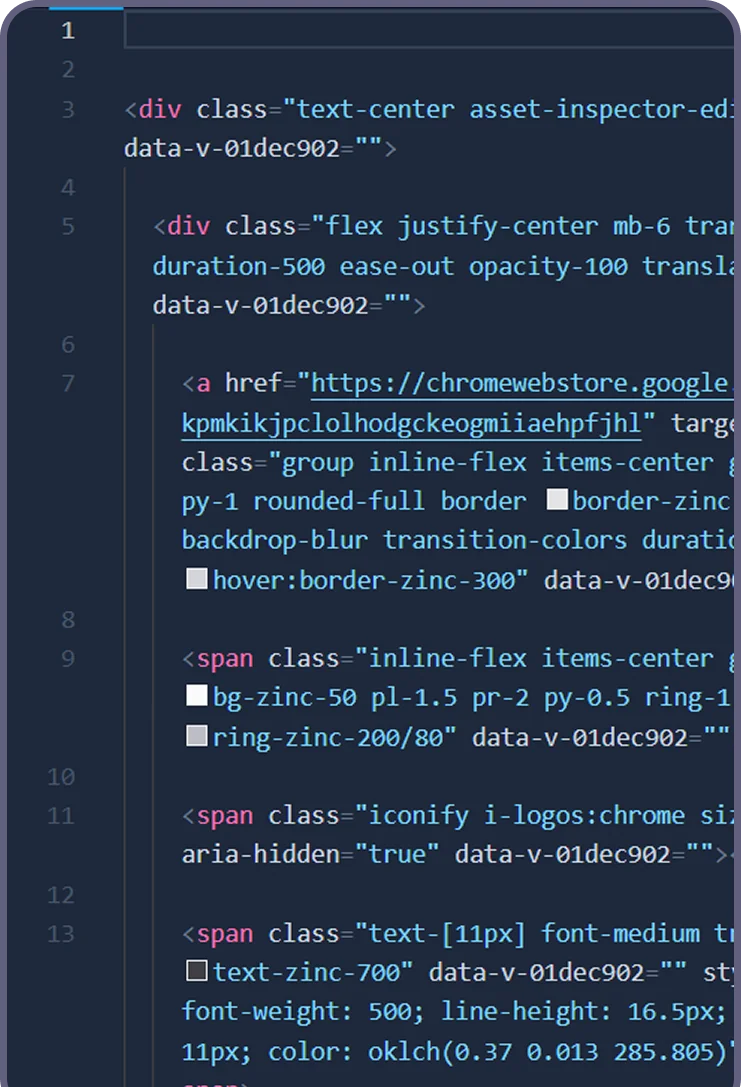
Turn any element into code
Select a single element, a section or the whole page and export clean Tailwind, a React or Vue component, or plain HTML + CSS. The output reads like code you would have written yourself, with sensible structure and none of the wrapper soup.
- ✓ One element, one section or the whole page
- ✓ Tailwind, React, Vue or HTML + CSS - your choice
- ✓ Clean context for Cursor, Claude and v0
Whole pages too: the design to code tool turns any live website into clean code.
Design system extractor
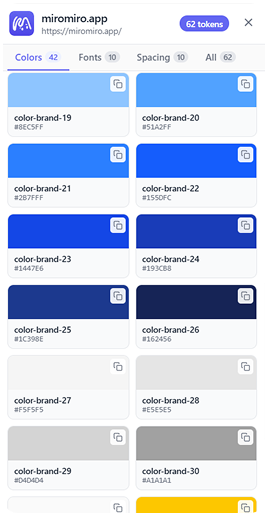
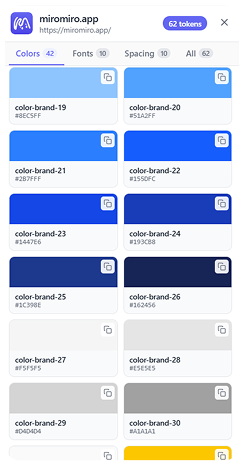
Extract the whole design system
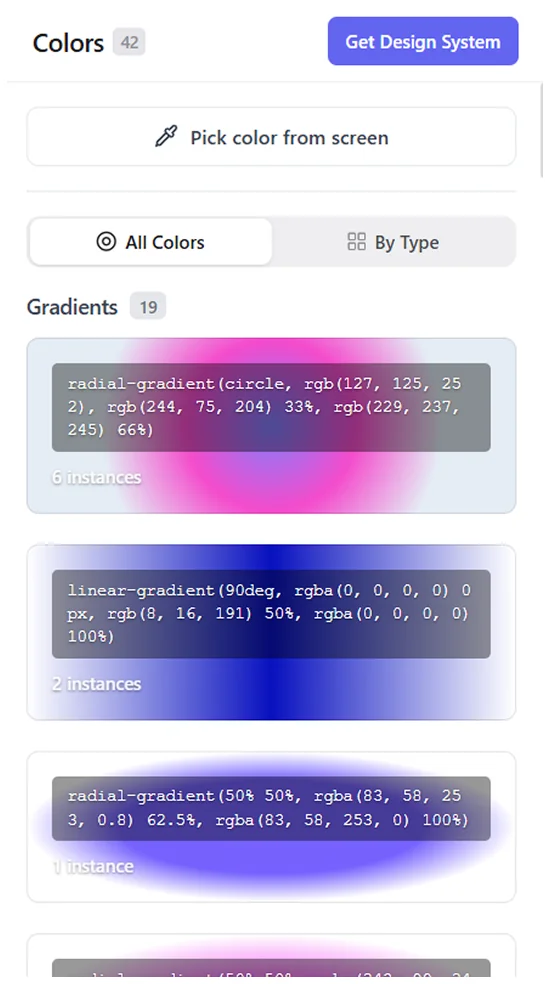
Pull every color, gradient, font, shadow and spacing token from any site in one pass - exported as CSS variables or a ready-to-paste Tailwind config.
- ✓ Colors, gradients, typography & shadows in one pass
- ✓ Export as CSS variables or a Tailwind config
- ✓ Drop the tokens straight into Cursor, v0 or your codebase
Building a pipeline or an agent? The same engine is a REST API.
Device preview
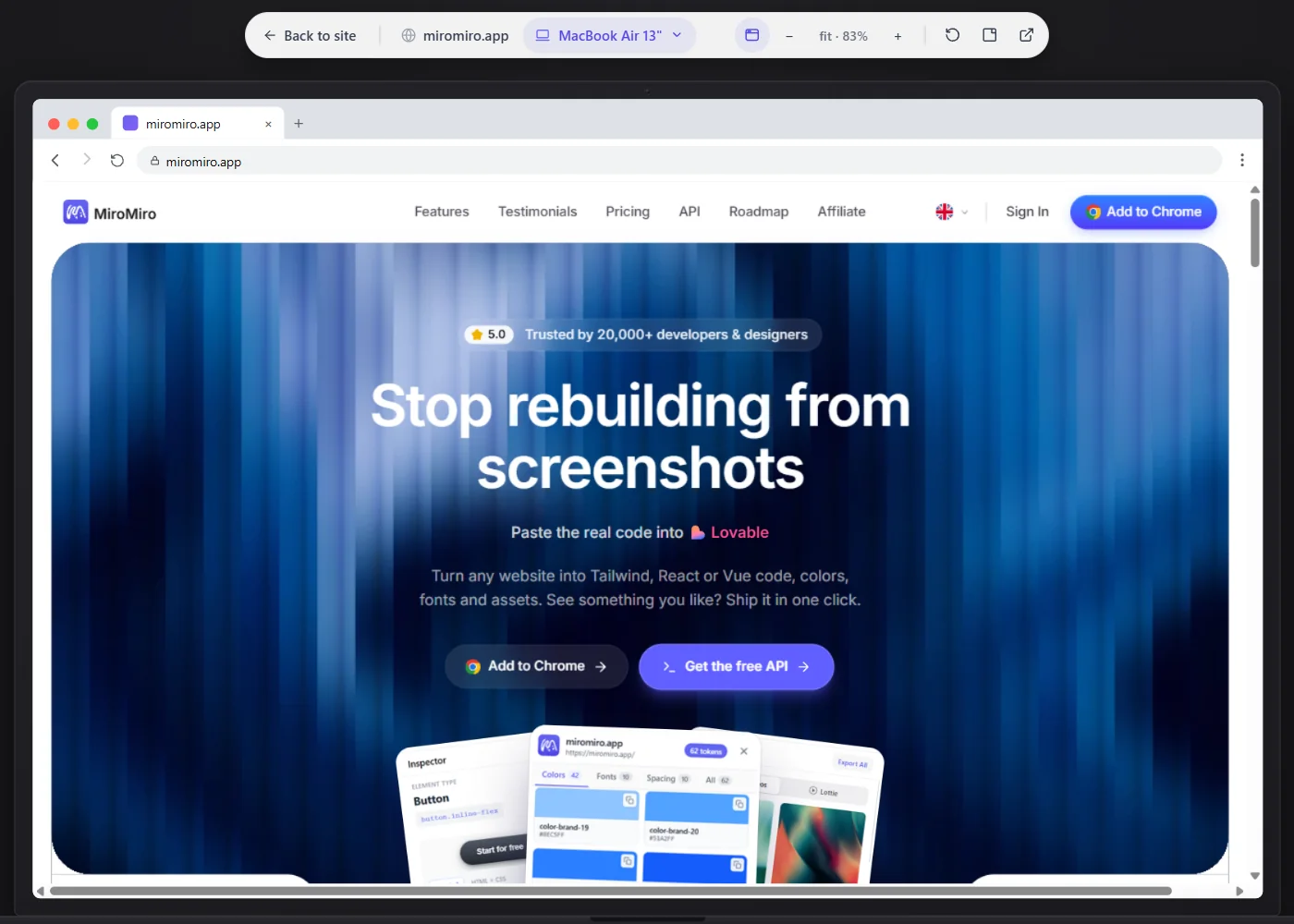
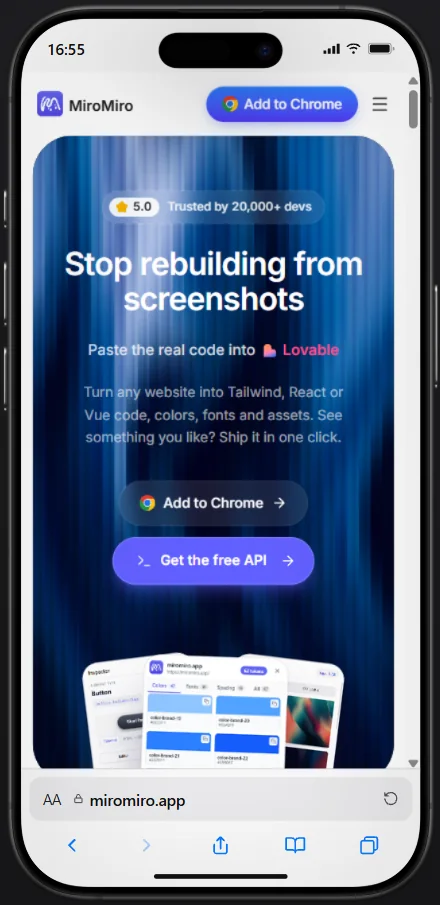
Preview on 25 real devices
Open any page, or the component you just exported, inside a real device frame. Jump from iPhone SE to iMac in one click, zoom in and catch the layout break before it lands in your project.
- ✓ 25 frames: iPhone, Pixel, Galaxy, iPad, MacBook and iMac
- ✓ Free-form responsive width for everything in between
- ✓ Preview the live site or your exported code, then copy it
- ✓ Zoom, replay and download the frame as an image
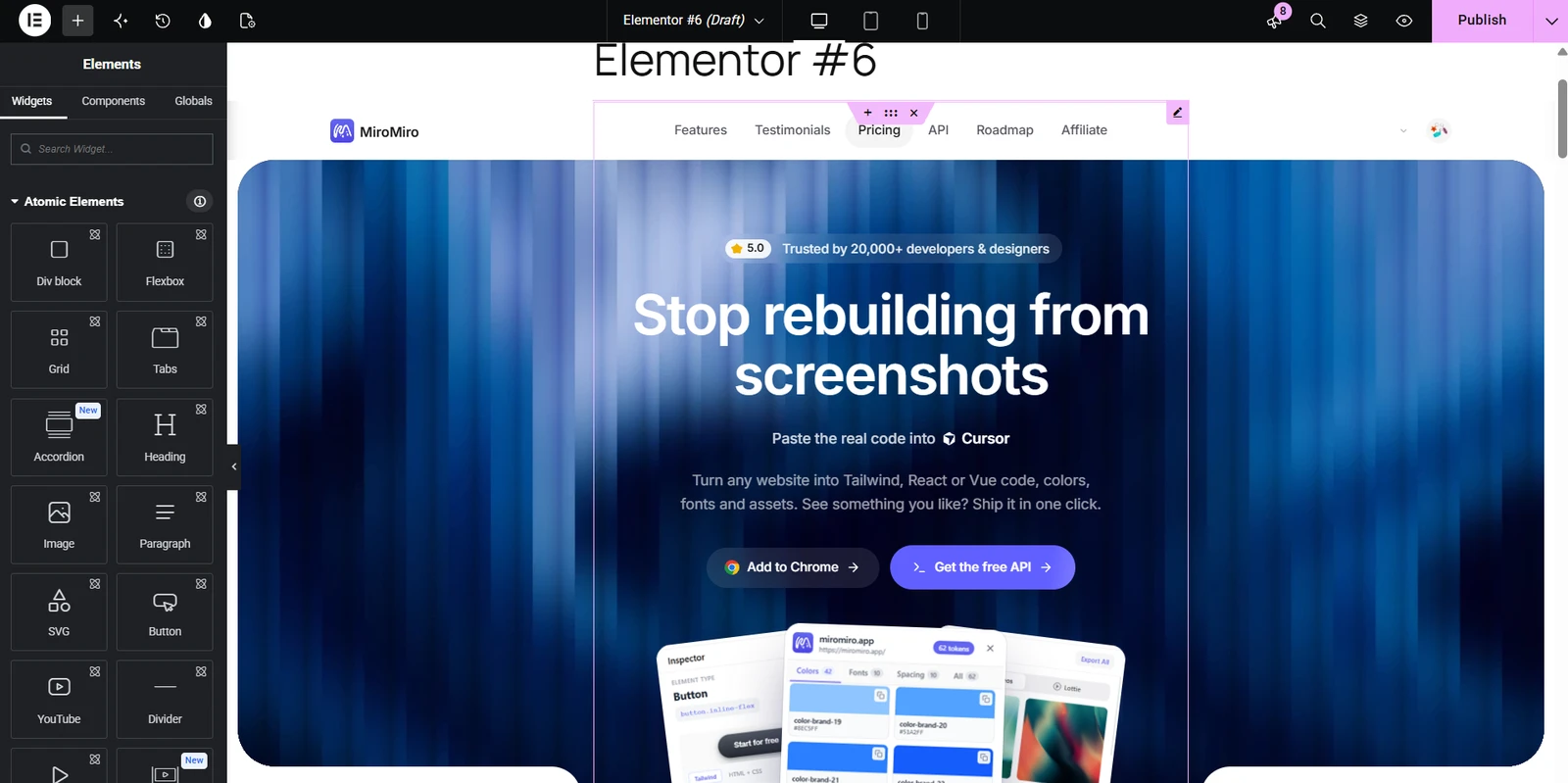
Export to Elementor
Turn any website into an Elementor template
Pick a section or the whole page and download it as an Elementor template. Import it into WordPress and it looks like the original, on desktop and on phones.
- ✓ One section or the whole page, as an importable template
- ✓ Import under Templates, then insert it on any page
- ✓ Keeps the layout, fonts, colors and images
- ✓ Works with the free Elementor plugin
The template imports as one HTML block, so the page looks right straight away. Edit its text and links inside that block.
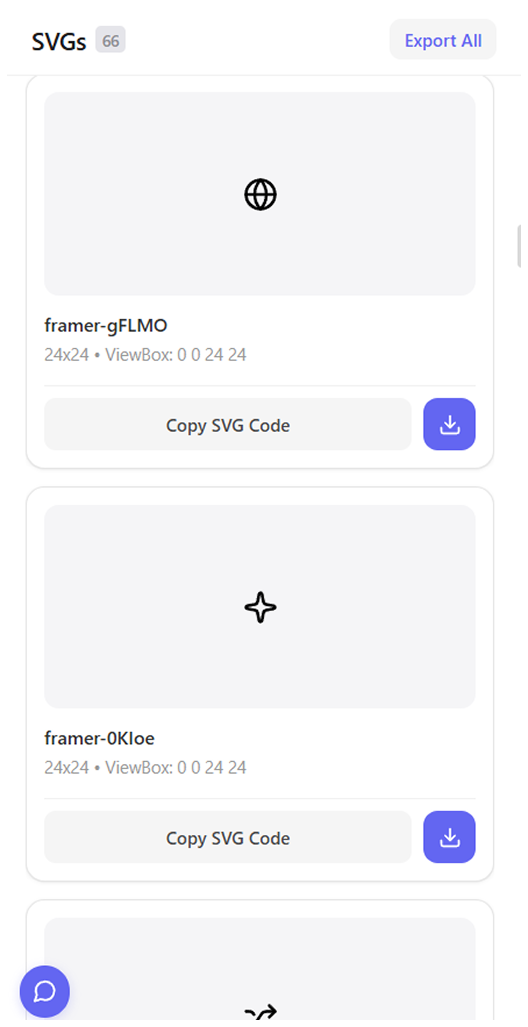
Asset extractor
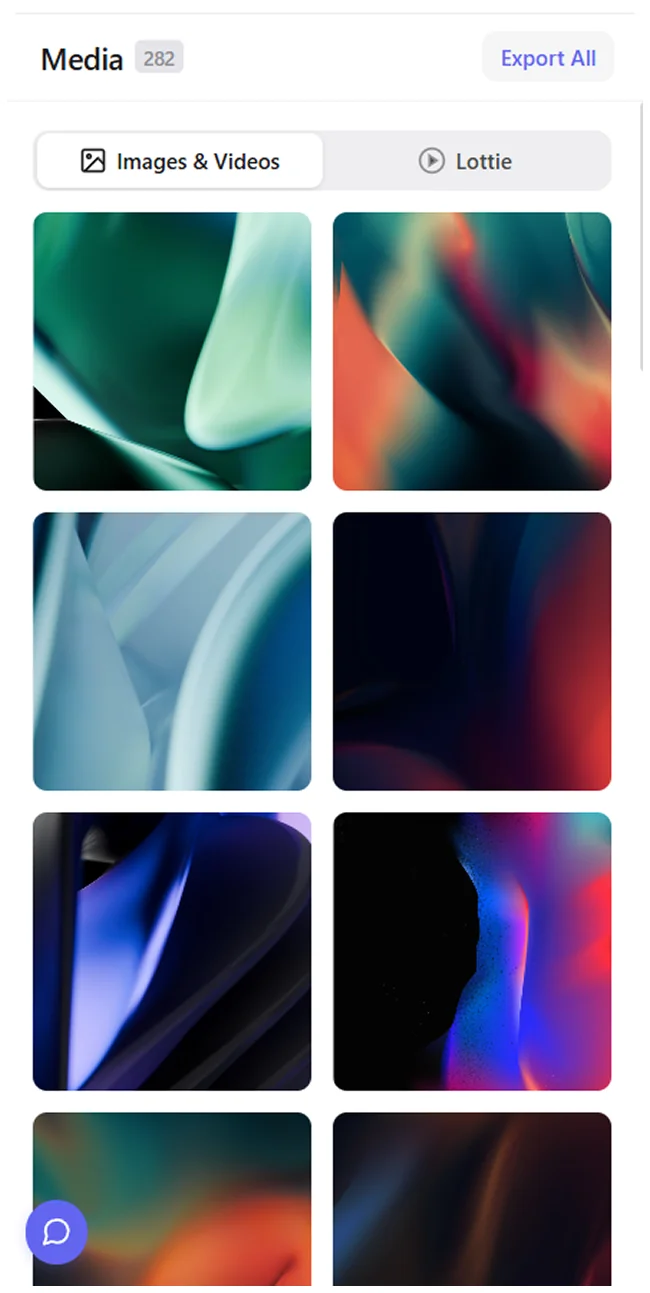
Extract every image & video
Find every image, video and SVG on the page, even ones buried in CSS, and save them in original quality.
Explore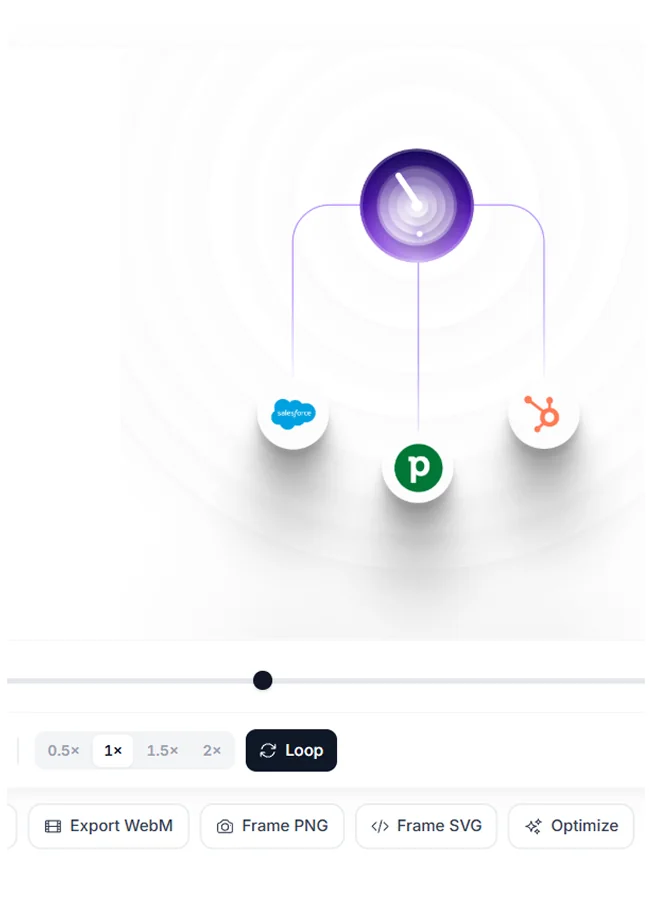
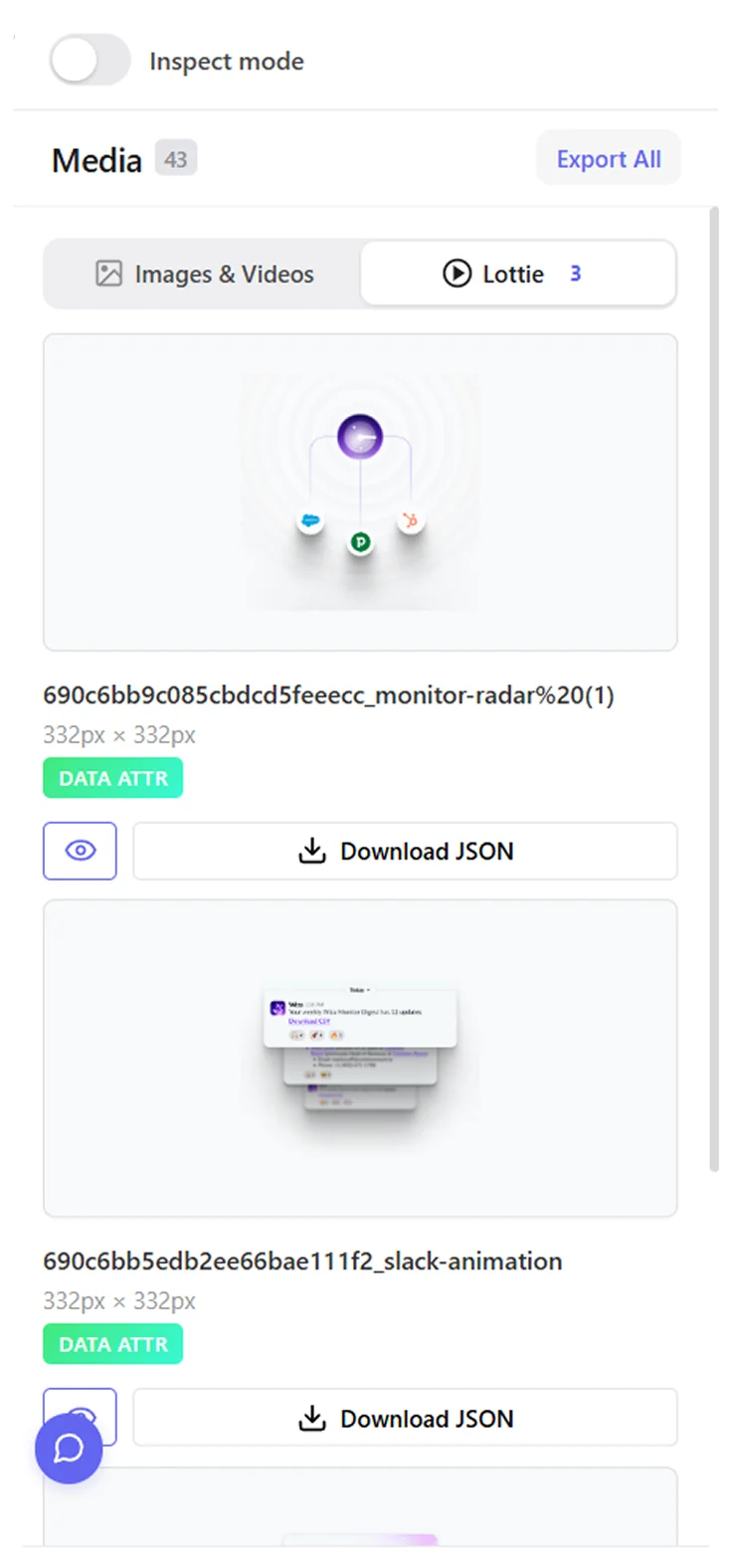
Lottie downloader
Download Lottie animations
Spot, preview and save every Lottie on a page, JSON intact and ready for your project.
Explore
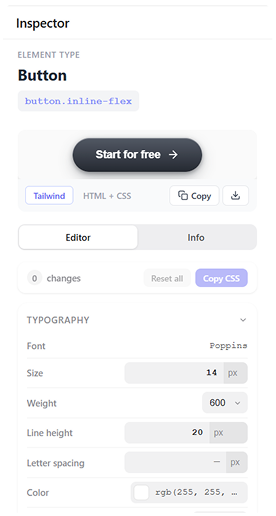
Live inspector
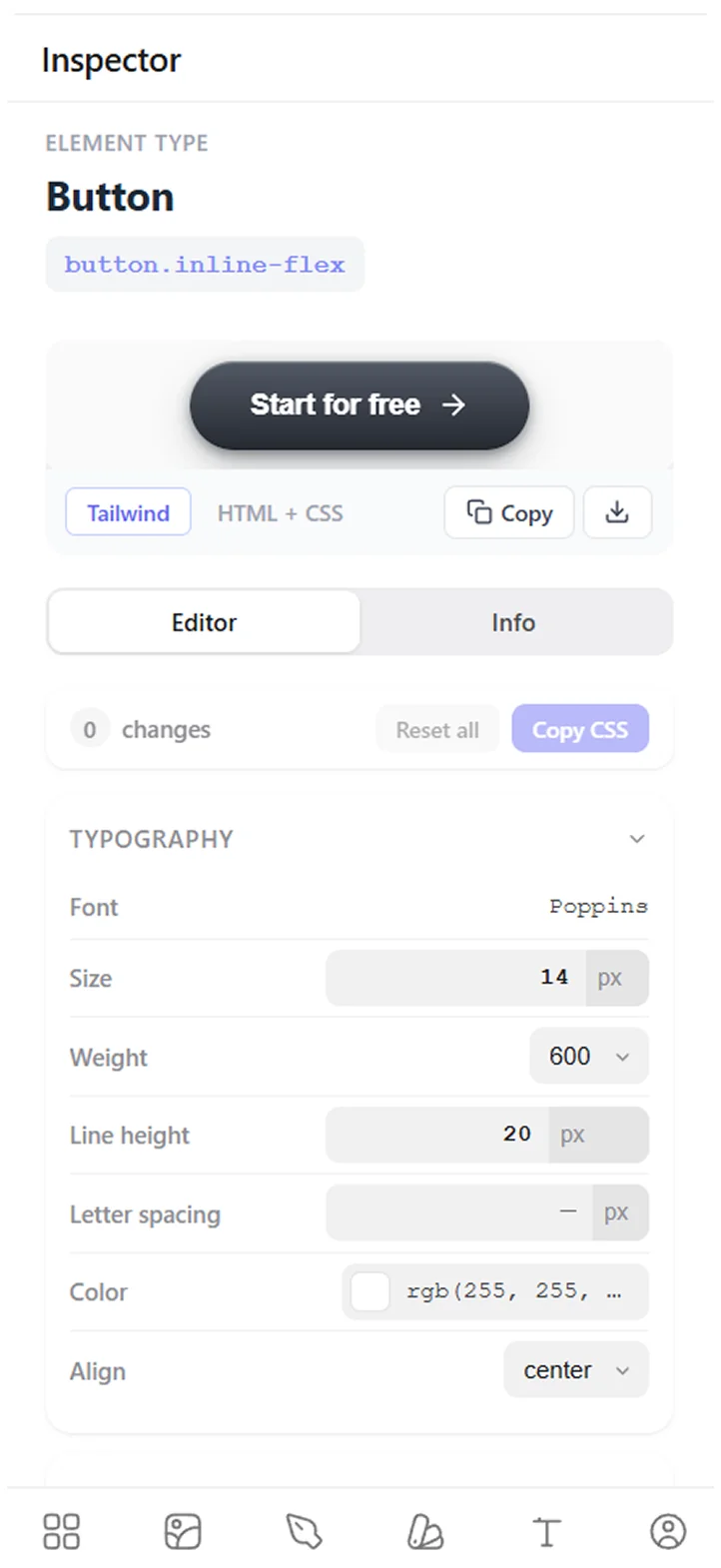
Edit styles live on the page
Hover any element to see its styles, tweak values on the live page, and copy the exact CSS or Tailwind.
ExploreWhy developers keep it pinned
“It saves a ton of time when inspecting websites. No more digging through devtools to find colors, fonts, spacing, assets, etc. Everything is just there instantly.”
Naivaidya Yadav
Frontend Developer“This product is super cool, nifty, and thoughtfully designed. It’s visually tasteful while also being seamless in its absorption into my workflow…”

Lake Cam
Product Hunt review“If you’ve been frustrated with the inability of AI to give you truly usable web page code (and we ALL are!), then you are going to love this… This feature alone is worth MANY times the price of this product.”
Verified buyer
AppSumo review“Full page screenshots are just not great. So I tried this with high hopes on one of my pages and it extracted the FULL HTML file with screenshots. Absolutely amazing.”
Zac H.
AppSumo review“Really impressed by MiroMiro. The product feels thoughtfully designed, polished, and focused on solving a real problem instead of adding unnecessary complexity.”

Miguel Parente
ArtMathCodePay once, ship forever
Start free. Upgrade when it earns its keep.
Free
Try everything for 3 days. Inspecting and downloads stay free.
€0forever
First 3 days: every Pro feature
Export to Trial only
- Elementor template (.json)
- HTML · Tailwind · React · Vue
Always free
- Inspect CSS, fonts & colors
- Live style editing
- Download images & SVGs
After the 3-day trial
- Copy CSS & Tailwind
- Design token exports
- Lottie exports
Lifetime
Limited time offerAll of Pro, paid once. No renewals, ever.
€69one-time
--
days
--
hours
--
minutes
--
seconds
Export to
- Elementor template (.json)
- HTML · Tailwind · React · Vue
Design & code
- Copy CSS, Tailwind & colors
- Unlimited design tokens
- Unlimited SVG & Lottie exports
- Unlimited contrast checks
- Preview on 25 real devices
Plan
- Pay once, never billed again
- Every future update
- 5 GB library storage
- Priority VIP support
Monthly
Full Pro, billed monthly. For when you're not sure yet.
€9/month
Cancel anytime, keep what you saved.
Export to
- Elementor template (.json)
- HTML · Tailwind · React · Vue
Design & code
- Copy CSS, Tailwind & colors
- Unlimited design tokens
- Unlimited SVG & Lottie exports
- Unlimited contrast checks
- Preview on 25 real devices
Plan
- New features while subscribed
- 5 GB library storage
- Priority support
Available for
Your AI agent can use MiroMiro too
REST API + MCP server
Real code for your assistant, not screenshots
The same extraction engine, as a REST API and a hosted MCP server. Give Claude, Cursor, ChatGPT or Codex a URL and it gets the real component code, design tokens and brand colors from that live site, so it builds from the actual CSS instead of guessing from an image.
- ✓ Full page or one section as Tailwind, React, Vue or HTML + CSS
- ✓ Design tokens, brand colors, fonts and assets from any public URL
- ✓ Works in Claude, Cursor, ChatGPT, Codex and any MCP client
Free tier: 300 credits a month, no card. Works keyless in demo mode.
you Rebuild linear.app's pricing section in our stack
agent calling extract_code(url: "linear.app", section: "pricing")
✓ Tailwind component + the tokens it uses, from the real CSS
Before you install
Straight answers about browsers, AI tools, what's free and what's not.
Contact →Yes, that's exactly what it's built for. MiroMiro exports components as clean, semantic Tailwind + HTML. Paste it into Cursor, Claude, v0, Lovable, Bolt, or ChatGPT and your AI works with real code instead of guessing from a screenshot. The output is structured to maximize how well each AI tool interprets it. We test on every release.
Yes. MiroMiro also ships a developer API and a hosted MCP server. Add https://miromiro.app/mcp as a connector in Claude, Cursor, ChatGPT or Codex and your assistant can extract component code, design tokens, brand colors, fonts and assets from any live website on its own. It works keyless in demo mode, and a free API key from miromiro.app/api unlocks full access.
No. MiroMiro (miromiro.app) is an independent design-extraction tool: a Chrome extension that turns any website into Tailwind, React, Vue or Elementor code, plus a developer API and an MCP server that give AI agents like Claude, Cursor and ChatGPT the same ability. It is not Miro (miro.com), the online whiteboard, and is not affiliated with it.
Install MiroMiro, open the site, and click any element. You get its CSS as clean code or as Tailwind classes. No Inspect panel, no nested DOM tree, no losing your selection on reload. DevTools gives you raw computed styles in a tangled tree; MiroMiro gives you a one-click copy that pastes straight into Cursor, Claude, or v0.
Install MiroMiro, open a site that uses Lottie animations, and click the Lottie icon. Every animation loaded by the page is detected automatically. Preview each one, then download as standard Lottie JSON or dotLottie. Works with lottie-web, lottie-react, lottie-ios, and the LottieFiles player. No DevTools, no Network tab digging.
Yes. Click any section (a hero, navbar, pricing card) and MiroMiro exports it as clean HTML with Tailwind classes. The values come from the rendered DOM, not from a screenshot guess, so colors, spacing, typography, and shadows are pixel-accurate. Paste straight into Cursor, Claude, or v0 and skip the manual rewrite.
MiroMiro is an inspector, the same category as your browser's built-in DevTools or 'View Source', just faster and cleaner. Inspecting how a page is built, and learning from its CSS, spacing, and structure, is how the web has always been built. What you do with what you extract is your call: most people grab references, migrate their own design systems, or rebuild past work. Respect copyright for logos, brand assets, and anything you ship commercially, exactly as you would with a screenshot.
Yes. MiroMiro reads the rendered DOM, not the source. It works on every site we've tested: Stripe, Linear, Vercel, Notion, Apple, Webflow, Framer, you name it. A few sites with strict CSP headers may limit certain extractions, but that's rare.
No. Extraction runs entirely in your browser. We literally cannot see what sites you visit or what you copy. We store anonymous usage counts for plan limits. That's it. Zero tracking.
Yes - free forever, no card needed. Inspecting CSS, fonts and colors, live style editing, and downloading images and SVGs stay free with no limits. For your first 3 days every Pro feature is unlocked too; after that, copying CSS and Tailwind, code and design-token exports, Elementor export and Lottie need Monthly (€9) or Lifetime. Your saved library stays intact either way.
Both options exist. Most users grab the lifetime deal: pay once, yours forever, free updates included. There's also a monthly subscription if you'd rather not commit. Either way: cancel anytime, 30-day money-back guarantee.
Chrome, Brave, and Edge: yes. Arc has a known sidebar API conflict we're tracking, so we don't recommend it on Arc yet. If you're on Arc, use Chrome alongside it for now.
Stop rebuilding. Start shipping.
Join 20,000+ developers who copy designs instead of reverse-engineering them.
Install in Chrome