
Inspecciona cualquier web. Copia el CSS.
Pasa el cursor sobre cualquier elemento para ver su CSS, fuentes y colores. Selecciona secciones enteras - heros, navbars, tablas de precios - y cópialas como HTML y CSS limpio. Una alternativa más rápida a DevTools.
Plan gratuito disponible. Sin tarjeta de crédito.
20,000+
developers & designers
5.0
Rated 5.0 on Chrome Web Store & Product Hunt
Inspecciona. Copia. Extrae.
Todo aquello para lo que abrirías DevTools - y algunas cosas que DevTools no puede hacer - en un clic.
Live inspector
Edit styles live on the page
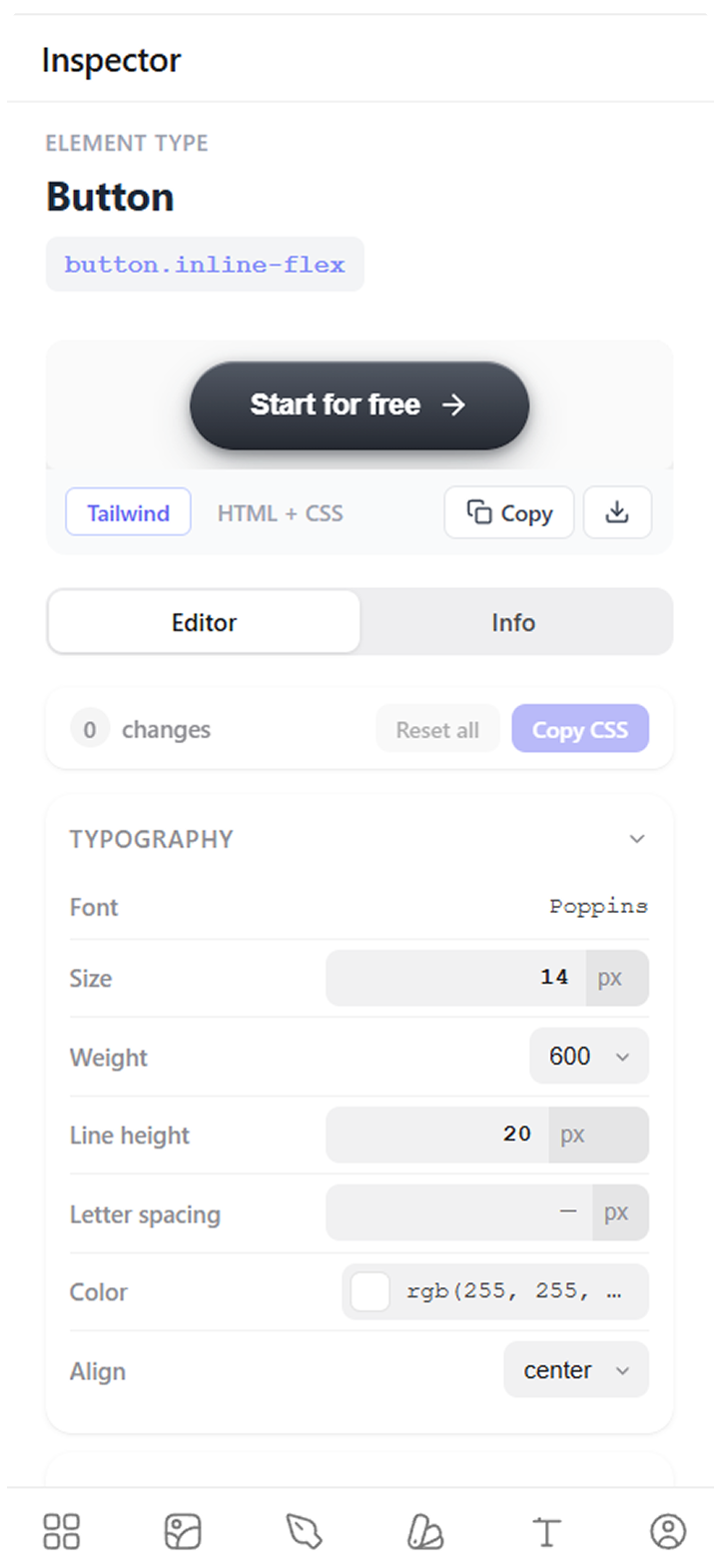
Hover any element to see its styles, tweak values on the live page, and copy the exact CSS or Tailwind.
- ✓ Font, color, spacing & shadows on hover
- ✓ Tweak values directly on the live page
- ✓ Copy the exact CSS or Tailwind in one click
Clone any section
Copy whole sections as clean code
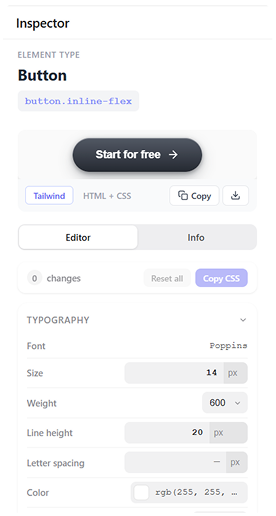
Select a hero, navbar, pricing table or footer - or the whole page - and export production-ready code - no screenshot rebuilding, no wrapper soup.
- ✓ Tailwind, React, Vue or HTML + CSS - your choice
- ✓ Preview on phone, tablet and desktop before you copy
- ✓ Clean context for Cursor, Claude and v0
Asset extractor
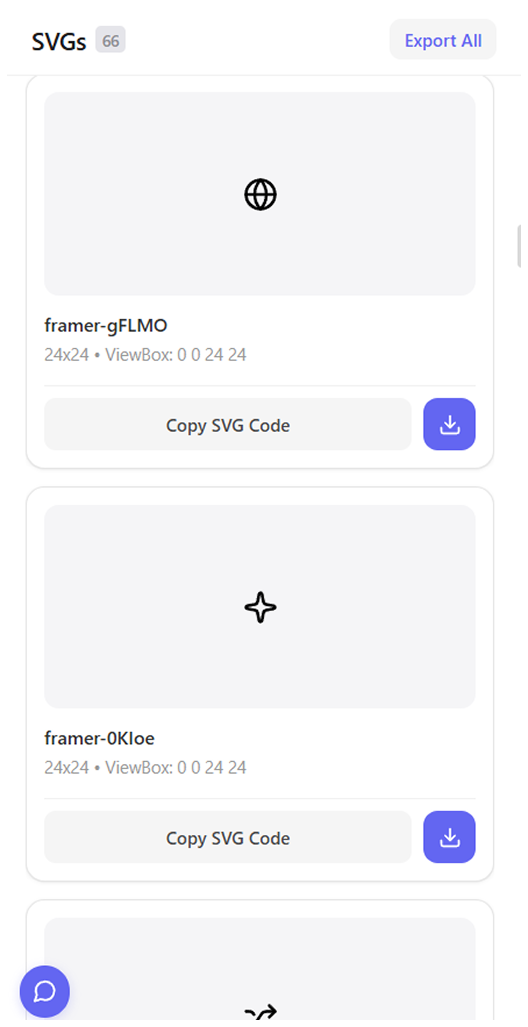
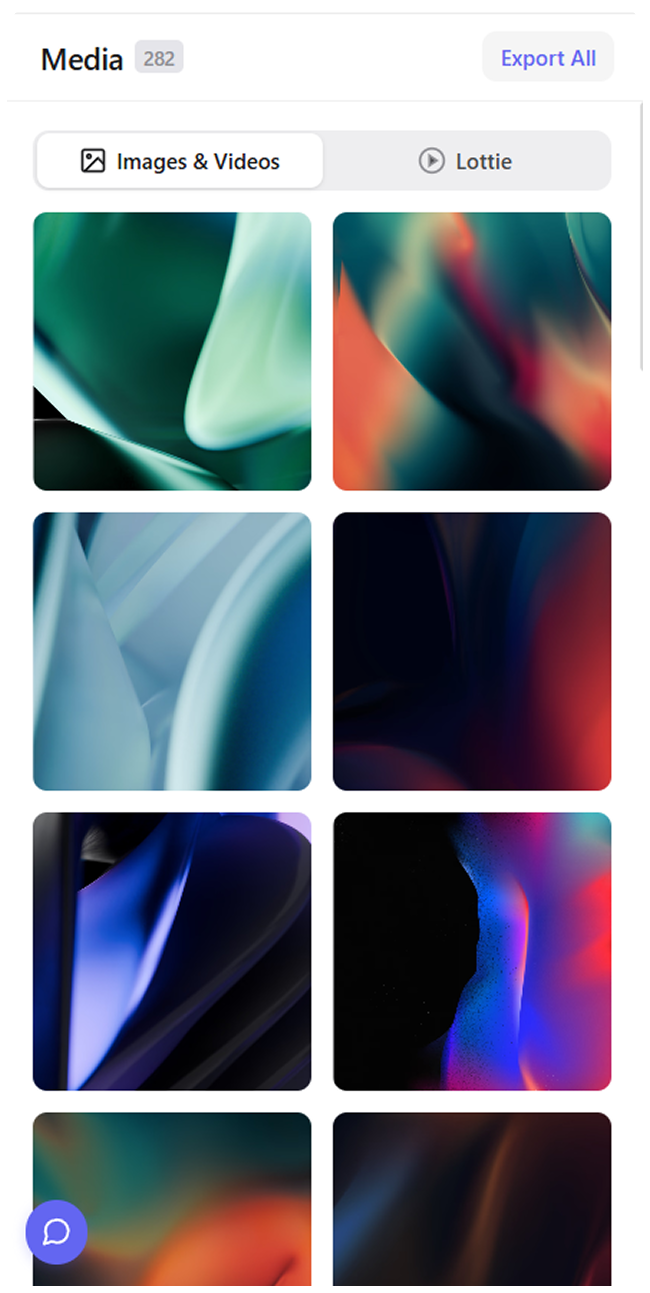
Extract every image & video
Find every image, video and SVG on the page, even ones buried in CSS, and save them in original quality.
Explore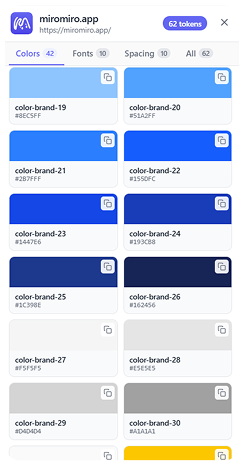
Design system extractor
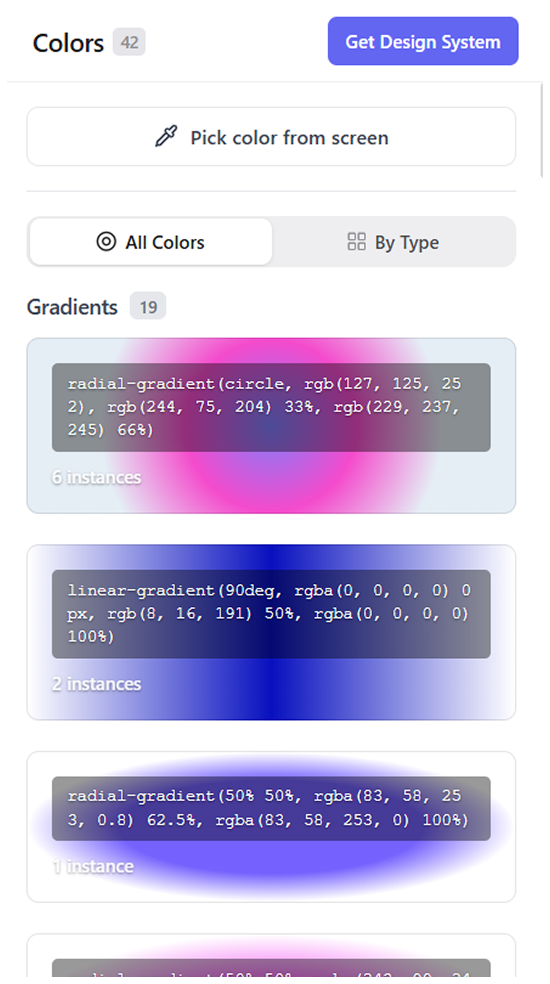
Export design tokens
Pull every color, gradient, font and spacing token in one pass - as CSS variables or a Tailwind config.
Explore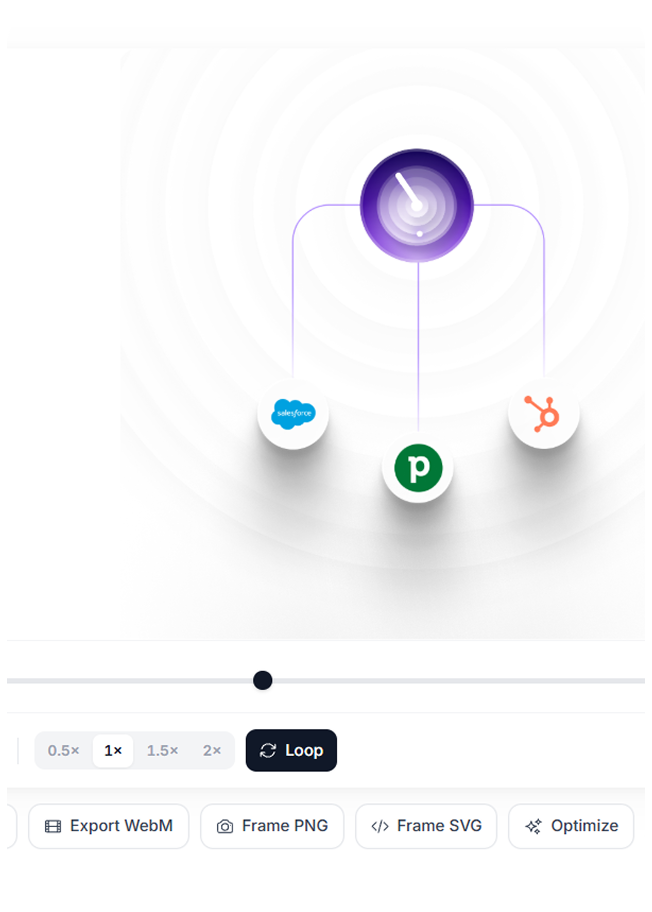
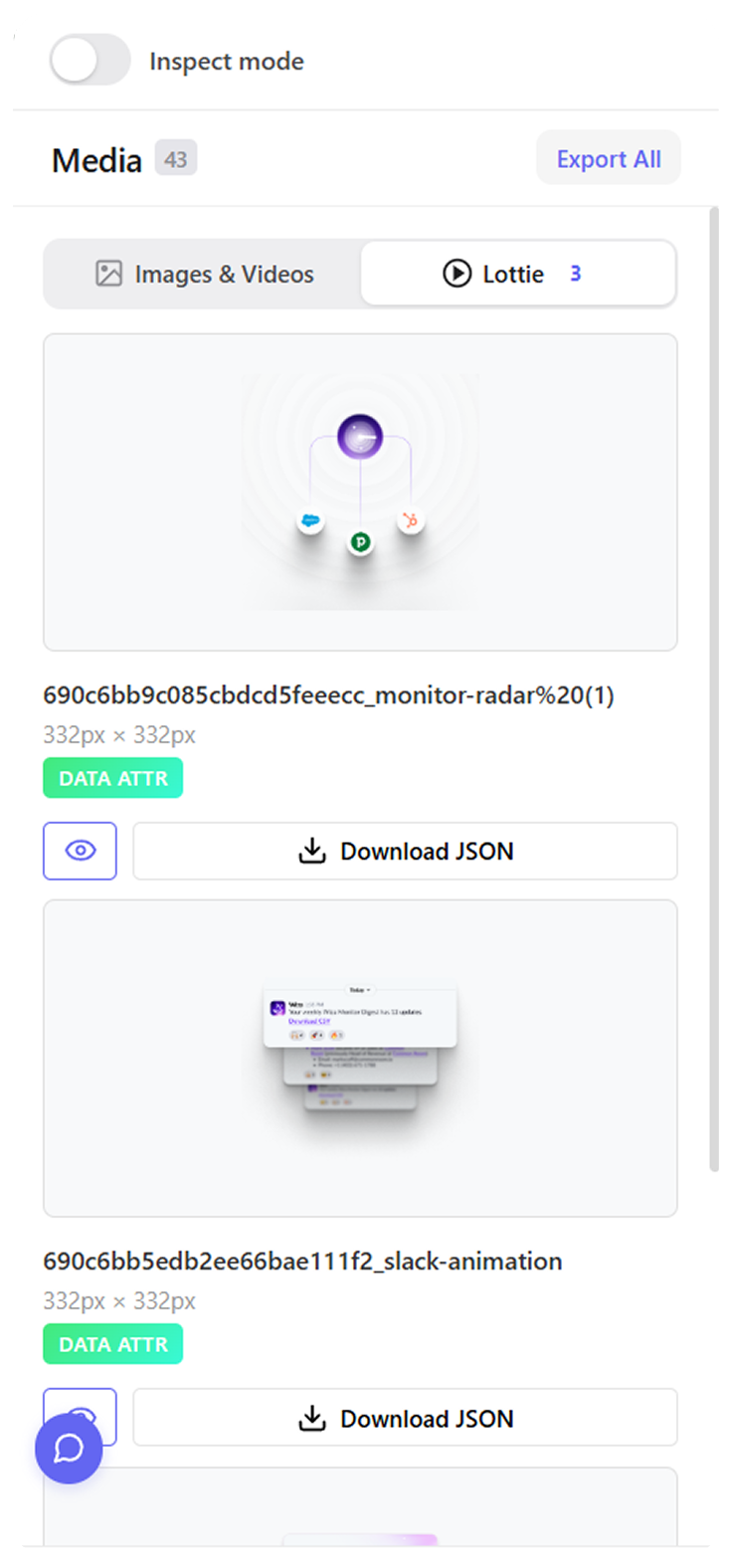
Lottie downloader
Download Lottie animations
Spot, preview and save every Lottie on a page, JSON intact and ready for your project.
ExploreDevTools vs. MiroMiro
Las mismas inspecciones que haces cada día, sin el panel acoplado.
| Task | The old way | MiroMiro |
|---|---|---|
| Copy CSS for an element | Open DevTools, hunt the styles panel | Hover → copy all styles |
| Get every color on a page | Eyedrop each color manually | Full palette, one click |
| Find the exact font + size | Inspect → scroll to font-family | Hover → font, size, weight visible |
| Download SVGs & images | Right-click save, dig through source | See all assets, download any |
| Copy a whole hero section | Screenshot + rebuild manually | Select section → copy HTML & CSS |
| Export design tokens | Manual list from CSS variables | Tailwind config in one click |
Why developers keep it pinned
“It saves a ton of time when inspecting websites. No more digging through devtools to find colors, fonts, spacing, assets, etc. Everything is just there instantly.”
Naivaidya Yadav
Frontend Developer“This product is super cool, nifty, and thoughtfully designed. It’s visually tasteful while also being seamless in its absorption into my workflow…”

Lake Cam
Product Hunt review“If you’ve been frustrated with the inability of AI to give you truly usable web page code (and we ALL are!), then you are going to love this… This feature alone is worth MANY times the price of this product.”
Verified buyer
AppSumo review“Full page screenshots are just not great. So I tried this with high hopes on one of my pages and it extracted the FULL HTML file with screenshots. Absolutely amazing.”
Zac H.
AppSumo review“Really impressed by MiroMiro. The product feels thoughtfully designed, polished, and focused on solving a real problem instead of adding unnecessary complexity.”

Miguel Parente
ArtMathCodePay once, clone forever
Start free. Upgrade when it earns its keep.
Free
Inspect any site, free forever.
Free to install. No card needed.
What's included
- Unlimited CSS, font & color inspection
- Live style editing on any page
- Copy CSS & Tailwind
- Metered downloads & exports
Everything in Monthly, plus
- Never pay again, every update included
- 2,000 asset grabs / month
- Unlimited design system exports
- Unlimited export to code
- Priority VIP support
- 5 GB library storage
30-day refund. Pays for itself in about 8 months.
Monthly
For when you're not sure yet.
Cancel anytime, keep what you saved.
What's included
- 2,000 asset downloads/month
- Unlimited Lottie & design system exports
- Unlimited site token extraction
- Unlimited code exports
- 5 GB library storage
- Priority support
Final price in your local currency at checkout.
Available for
Preguntas Frecuentes
Todo lo que necesitas saber sobre inspeccionar y copiar CSS de cualquier web con MiroMiro.
Contact us →DevTools shows you the full styles panel - you have to scroll, expand cascades, and copy CSS one rule at a time. MiroMiro lets you hover any element and copy all its computed CSS in a single click, plus extract whole sections, download SVGs, and export design tokens. It's built for inspecting and reusing, not debugging.
Yes. Hover any element on any public website - MiroMiro shows its CSS properties (font, color, spacing, border radius, shadow) and lets you copy them in one click. No paywalled sites or framework limitations.
Yes. Select any section - hero block, navbar, pricing table, footer, card grid - and MiroMiro exports it as clean, production-ready HTML & CSS. No screenshot-rebuilding from scratch.
Yes. MiroMiro reads the rendered DOM, so it works regardless of framework - React, Next.js, Vue, Nuxt, Angular, Svelte, WordPress, Webflow, Framer or plain HTML. If the browser renders it, MiroMiro can inspect and copy it.
View Source gives you the full page source with bundled framework code and minified CSS - useful for debugging, useless for reuse. MiroMiro extracts only the element or section you select, with clean and minimal code ready to paste into your project.
Yes. The Design Token Extractor pulls every color, font, spacing value, border radius and shadow from a live website and exports them as a tailwind.config.js file, CSS custom properties or Figma-ready values.
Yes. Inspect mode (hover to see CSS, fonts, colors) is unlimited on the free plan. Code export of full sections is 5/month free; upgrade to Starter or Pro for more.
Studying CSS, layouts and design patterns is standard practice - same as View Source. MiroMiro is a learning and productivity tool. Always respect copyright when using assets, fonts or full designs commercially.
Inspect your next reference site in one click
Hover any element, copy its CSS, extract whole sections. Free to install.
Añadir a Chrome - GratisPlan gratuito disponible. Sin tarjeta de crédito.