You've seen a section on a real website — a hero, a pricing table, a navbar — and you want it in your project. Not as inspiration, but as actual code.
The market has exploded with tools that promise to do exactly that. Most of them ship code that needs more cleanup than just rebuilding the thing yourself.
This is the honest 2026 comparison. Nine tools that claim to turn a live website (or design file) into clean code. Real pricing, real output quality, real drawbacks. And the one I'd actually pay a lifetime price for.
Comparison table
| Tool | Source | Output | Cleanup needed | Pricing | Lifetime option |
|---|---|---|---|---|---|
| MiroMiro | Live website | Tailwind HTML, CSS, SVG, Lottie | Minimal | €9/mo | Yes — €69 one-time |
| Builder.io Visual Copilot | Figma + AI | React, Vue, Svelte, Angular | Moderate | $19+/mo | No |
| Locofy.ai | Figma + AI | React, React Native, Next.js | Moderate | $24+/mo | No |
| Anima | Figma | React, Vue, HTML | Heavy | $39+/mo | No |
| Figma Dev Mode | Figma | CSS snippets | Heavy | $15/seat/mo | No |
| CSS Peeper | Live website | CSS values only | Minimal (limited) | Free / $5/mo | Free tier only |
| WebCrumbs | Live website | HTML / CSS | Moderate | Free / paid | No |
| Browser DevTools | Live website | Cryptic computed CSS | Heavy | Free | N/A |
| v0 / Lovable / Bolt | Prompt | React | None (it's generated) | $20+/mo | No |
Skim that and the picture is already clear. Most "export to code" tools are monthly SaaS aimed at design agencies. Only one in this list offers a lifetime payment — and it's the one with the cleanest output for the most common use case.
Let me walk through each properly.
Live-website → code (the category most people miss)
If the component you want already exists on a real website, extracting it from the live DOM is the shortest path to clean code. The browser has already done the hard work of resolving semantic structure, real CSS values, and real class names.
1. MiroMiro — best for live-website export
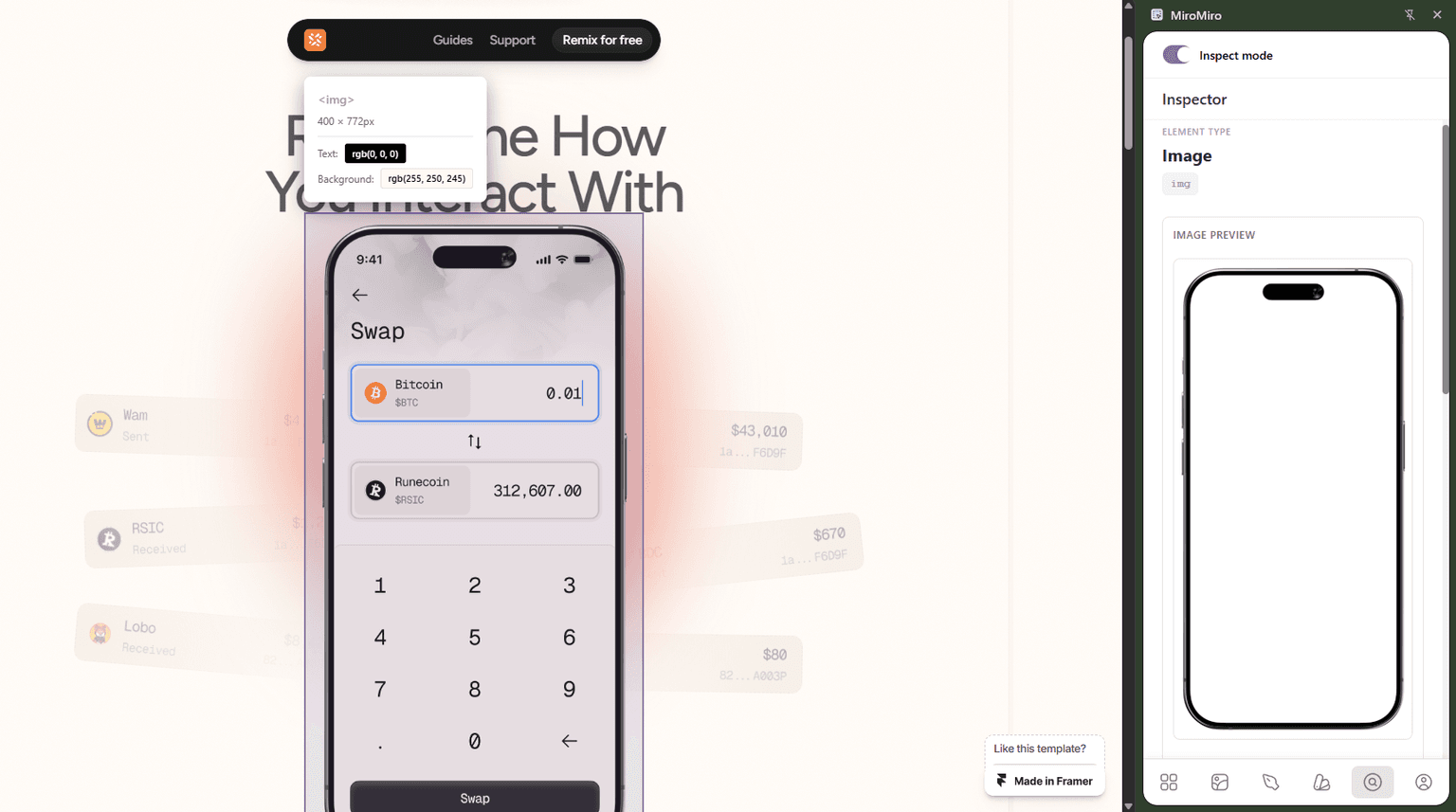
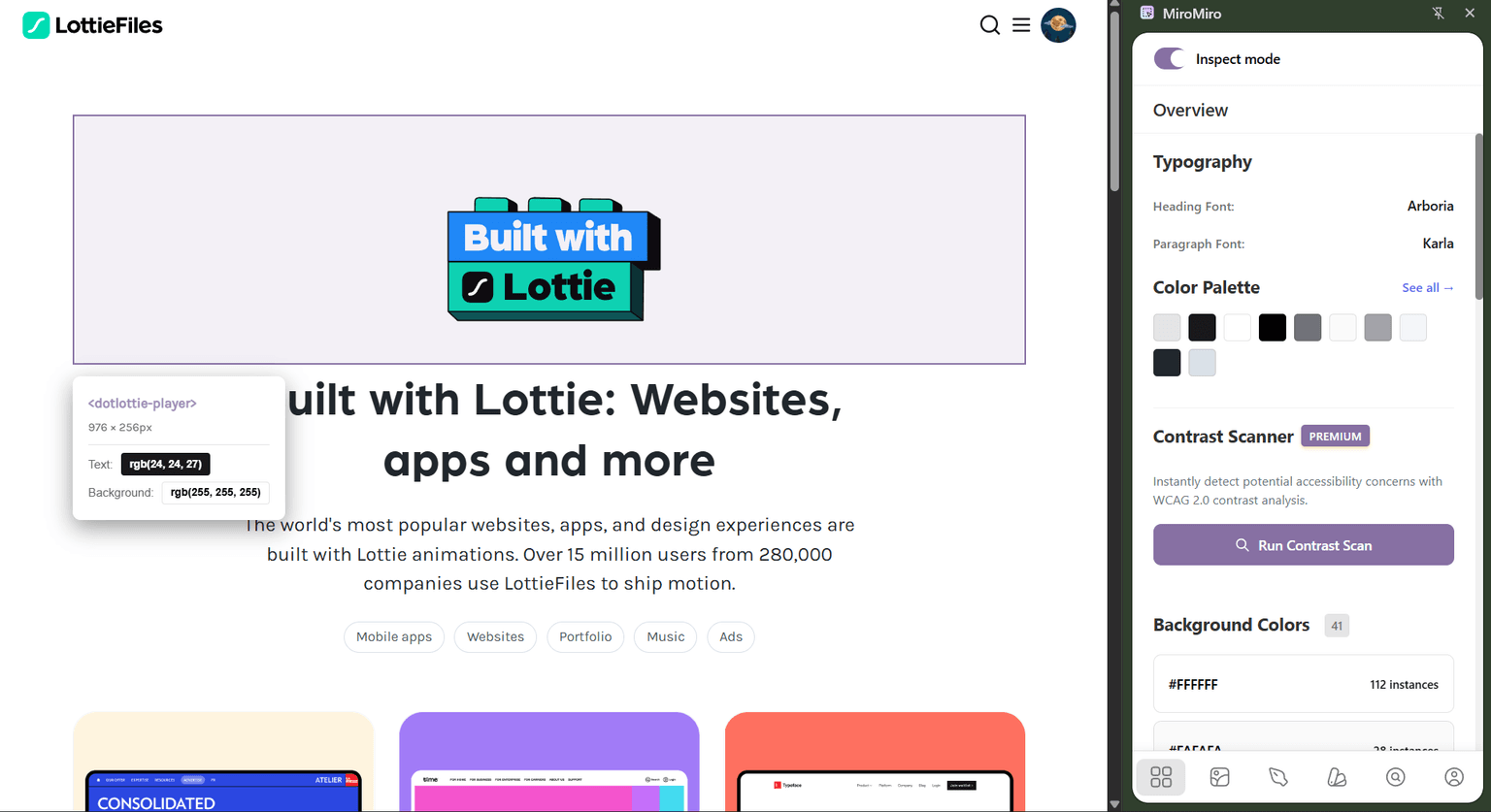
What it does: Chrome extension. Hover any element on any live site, click, get production-ready Tailwind HTML (or vanilla HTML/CSS). Also extracts SVG icons, Lottie JSON, fonts, color palettes, and full design tokens as a tailwind.config.js block.
Output quality: Clean. Semantic HTML with Tailwind utility classes that match what a developer would actually write — px-6 py-3 rounded-2xl bg-zinc-900, not .css-1x9kl7. Real spacing, real colors, real typography. No "guess from pixels" approximation.
Best for: Designers and developers recreating sections from real websites, prototyping in Cursor/Claude/v0/Lovable, building a personal swipe file, or extracting design tokens from an existing site.
Pricing: €9/month for Pro — or a one-time lifetime payment starting at €69. Of the nine tools in this comparison, MiroMiro is the only one with a real lifetime tier, and there are only 125 spots total. Price escalates as spots sell out (next tiers €89 and €149) until it closes permanently.
Drawbacks: Honest list — it's a Chrome extension, so you need to be on a desktop browser. It doesn't generate React/Vue source code directly (you paste the clean HTML into Cursor or Claude for that, which takes one prompt). And it's not built for working from Figma mockups that don't exist as a live website yet — for that, see Anima or Locofy below.
Try MiroMiro free for 3 days →
2. CSS Peeper — the OG, now showing its age
What it does: Chrome extension that surfaces colors, fonts, and basic CSS values from any site. The original tool in this category.
Output quality: Fine for one-off values. Doesn't export full sections as code — you copy individual values one at a time.
Best for: Quick "what font is this" / "what's the hex of that button" moments. The free tier covers most casual use.
Pricing: Free tier with limits, paid tier around $5/month.
Drawbacks: Active development has slowed visibly over the last two years. No Tailwind output, no section-level extraction, no SVG/Lottie/design-tokens features. If you've been a CSS Peeper user and are wondering why it feels stuck, you're not imagining it.
3. WebCrumbs — newer entrant, narrower scope
What it does: Extracts HTML and CSS from live sites. Aims at the same use case as MiroMiro but more limited in output formats.
Output quality: OK. No Tailwind conversion, no asset extraction, no design-token export.
Best for: Free-tier exploration if you want to see what live-website extraction even feels like before committing to a paid tool.
Pricing: Free tier, paid plans.
Drawbacks: Smaller feature surface. Less polish on edge cases (complex grids, nested flex layouts, lazy-loaded images).
4. Browser DevTools — free and miserable
What it does: Built into every browser. Inspect element, copy outerHTML, copy computed styles.
Output quality: Bad. You get minified class names (.sc-d4e1f2, .css-1x9kl7), 400 lines of unused CSS per element, and no Tailwind conversion. The HTML is wrapped in framework-specific data attributes you don't want.
Best for: Debugging your own site. Not for extracting code from someone else's.
Pricing: Free.
Drawbacks: Possible — just genuinely time-expensive. A 30-minute manual cleanup per component is normal.
Design-file → code (Figma exporters)
A different category: instead of starting from a live website, you start from a Figma file. Useful if the component you want only exists as a mockup.
5. Builder.io Visual Copilot
What it does: Figma plugin + AI. Exports to React, Vue, Svelte, Angular, Qwik. Most aggressive about responsive layouts and component structure.
Output quality: Best-in-class for Figma → code. Still needs a review pass — class names, semantic tag choices, and accessibility attributes are often wrong on first generation.
Best for: Agencies and teams already building from Figma at scale.
Pricing: Free tier with usage limits; paid plans start around $19/month per editor and climb fast for teams.
Drawbacks: No lifetime option. Cost compounds across a team. Tied to Figma — useless if your source of truth is a real website.
6. Locofy.ai
What it does: Figma plugin with AI on top of the export step. Outputs React, React Native, Next.js, HTML.
Output quality: Cleaner than Anima. Attempts semantic tags. Still requires a review pass before shipping.
Best for: Teams in the Figma → React pipeline that want to save hours, not get perfect code.
Pricing: $24+/month per editor. Team plans higher.
Drawbacks: Monthly only. Output quality varies wildly by component complexity — simple cards are great, animated heroes are not.
7. Anima
What it does: Figma/Sketch/Adobe XD plugin. Exports React, Vue, HTML.
Output quality: Cleaner than raw Figma Dev Mode, but still produces code that feels AI-generated — class names like group-1, rectangle-5, lots of wrapper divs.
Best for: Existing Anima users who already have a workflow built around it.
Pricing: $39+/month. One of the more expensive tools in this list.
Drawbacks: No lifetime tier. Output requires the most cleanup of the major Figma exporters.
8. Figma Dev Mode
What it does: Figma's built-in code panel. Shows CSS, iOS, and Android snippets for any selected layer.
Output quality: Good for grabbing individual values (a color, a spacing token, a font size). Useless for full-component export — it's essentially inline-styled absolute-positioned divs.
Best for: Designers and developers already living in Figma who need one-off values.
Pricing: $15 per seat per month (included in Figma Professional and above).
Drawbacks: Tied to Figma. If your source isn't a Figma file, this doesn't help.
AI prompt → code (the new category)
A third category worth mentioning, even though it doesn't actually "export" anything from an existing source.
9. v0 / Lovable / Bolt / Claude Artifacts
What they do: Generate components and apps from a prompt. You describe what you want; the AI builds it.
Output quality: Good when the prompt is precise. Bad when you're trying to describe something visual ("a pricing section like Stripe's but slightly more compact, with the third tier highlighted") — that's where words break down.
Best for: Building new things from scratch. Iterating on a component you already have. Translating a clean reference into your stack.
Pricing: $20+/month each. Most have free tiers with usage limits.
Drawbacks: They can't see the website you're trying to recreate. Screenshot-to-code helps but still hallucinates colors, spacing, and typography. The strongest workflow in 2026 is extracting clean reference code with MiroMiro, then handing it to one of these tools to refine — the AI is great at "translate this working code into my codebase's conventions," and bad at "build something that looks like this screenshot."
Why MiroMiro wins for the live-website use case
If your use case is "I saw a real component on a real website and I want it in my project," MiroMiro is the cleanest answer in this list:
- The semantic structure is already there. Browsers enforce real markup, so you skip the "guess the structure" problem every Figma exporter has.
- The CSS values are real. Not rounded approximations from a vision model.
- The output is paste-ready Tailwind. Matches the dialect Cursor, Claude, v0, Lovable, and Bolt expect as input.
- It's the only tool here with a lifetime option. Every other paid tool in this list is recurring revenue with no off-ramp.
The "lifetime payment for a tool you'll use weekly for years" math is uncommon in 2026 design tooling. Most companies need MRR more than they need happy long-term users. If recurring SaaS bills fatigue you, this is the one obvious off-ramp in the category.
The lifetime math, since you asked
The most common pushback I get on lifetime pricing is "the up-front cost is high." It isn't, once you see what the monthly stack actually adds up to:
The lifetime math
Your AI/design stack, monthly
- Cursor€20/mo
- Claude Pro€20/mo
- v0€20/mo
- Figma Dev Mode€15/mo
- MiroMiro Pro (monthly)€9/mo
Every year. Forever. Until you cancel.
MiroMiro lifetime — one-time
Paid once. Used forever. No renewals.
- Pays for itself in 6 months vs Pro monthly
- €59 saved in year 1 alone
- One less monthly bill in your stack, permanently
The only honest risk: the company shuts down. Mitigate by picking tools with a real paying user base, active development, and a public maker behind them — not anonymous free-tier side projects.
- Extract clean Tailwind HTML from any live site
- CSS Inspector — copy computed styles from any element
- SVG Extractor — grab icons and graphics as code
- Font Detector — identify any typography
- Lottie Downloader — pull animation JSON files
- Design tokens export → Tailwind config, CSS variables, Figma variables
How to actually use this in your workflow
Three steps regardless of which tool above you pick:
Step 1: Extract from the real source
For live sites, install MiroMiro and click the element you want. For Figma mockups, use Builder.io Visual Copilot or Locofy. For one-off CSS values, Figma Dev Mode is fine.
Step 2: Paste into your AI editor
Cursor, Claude, v0, Lovable, Bolt — they all accept clean Tailwind HTML as input. The cleaner the extraction, the less hallucination on the output side.
Step 3: Adapt with one prompt
The prompt template that works:
This is a hero / pricing / navbar section I extracted from site name. Adapt it to my brand:
- Use my brand colors from
tailwind.config.ts- Replace copy with: your headline, subheadline, CTA
- Keep layout, spacing, and animation timing intact
- Match my component conventions (kebab-case filenames, default export)
Output as a single React / Vue / Svelte component.
This works because you're not asking the AI to design — you're handing it a working reference and asking it to translate it into your codebase's dialect. AI is genuinely good at that job. Less good at inventing from a description.
When to use which tool
- Recreating a section from a real website: MiroMiro. Cleanest output, only lifetime option in the category.
- Building from a Figma mockup that doesn't exist as a real website yet: Builder.io Visual Copilot or Locofy. Expect a cleanup pass.
- Grabbing a single CSS value (color, shadow, font size): Figma Dev Mode if you're in Figma, MiroMiro if you're on a live site.
- Building from a prompt (no source material): v0, Lovable, Bolt, or Claude Artifacts.
- Extracting design tokens from an existing site to seed a new design system: MiroMiro's tokens export — outputs ready-to-paste
tailwind.config.jsand Figma variables.
The honest takeaway
Most "export to code" tools in 2026 are monthly SaaS aimed at design agencies, with output quality that still needs a cleanup pass. If you're a solo designer, indie developer, or small team — the recurring cost compounds fast for a tool you only use a few times a week.
The category gap is "clean live-website extraction with a one-time payment." That's the gap MiroMiro fills. Try the 3-day free trial; if it earns its keep, take a lifetime spot and skip the subscription stack.
That's the part nobody else in the category will tell you.
ワークフローを高速化する準備はできましたか?
MiroMiroで毎週何時間も節約している10,000人以上のデザイナーと開発者に参加しましょう。